


How Do I Know If My Email Was Hacked? (Even If You Can Log In)
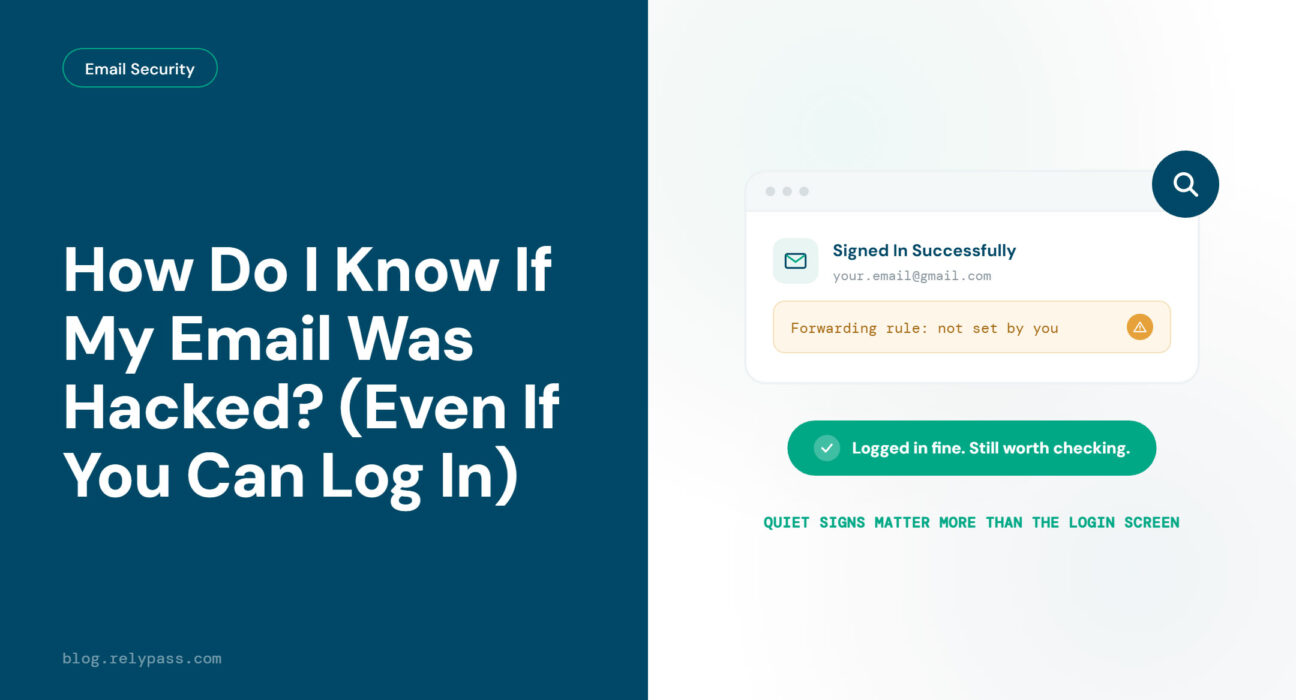
Quick Answer: How do I know if my email was hacked? You cannot always tell by logging in. Your password may still work even if someone else has access to your account. Start with three quick checks: look through your sent folder for emails you did not send, review your recent login activity for unknown devices or locations, and check for forwarding addresses or filters you never added. If you find anything suspicious, change your password right away and check which other accounts use that same password.
You get an email saying someone tried to reset your password. There was no reset request. Then a friend messages you asking why you sent them a strange link. You open your email, enter your password, and get in without any trouble. Everything looks normal, so you move on.
But how do I know if my email was hacked if I can still log in?
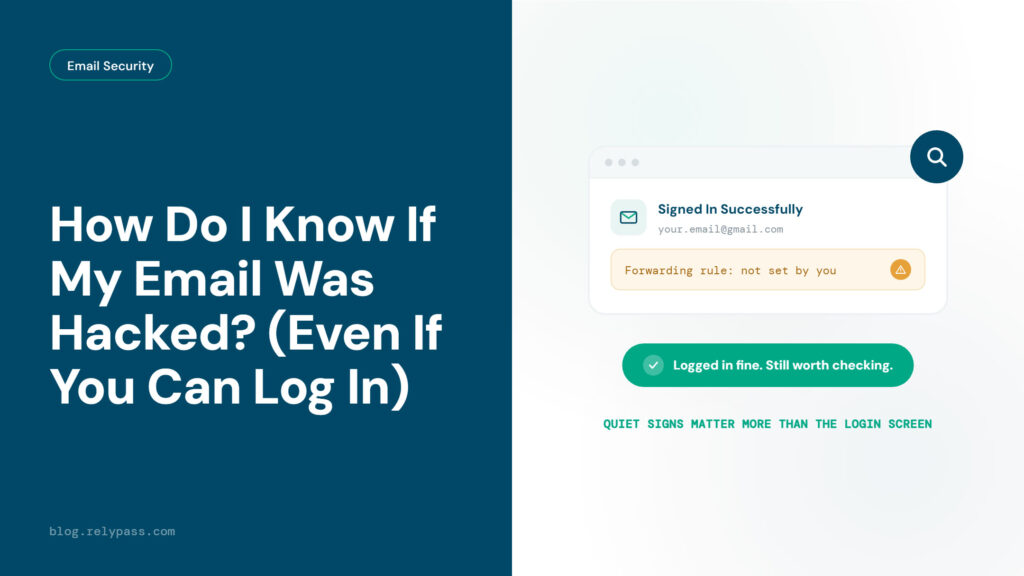
A hacker does not always change the password or lock the owner out. They may quietly read emails, set up forwarding rules, or sign in from another device.
In this blog, we will cover the signs that often go unnoticed and the quick checks you can do from a phone or computer.
The Signs of a Hacked Email Account You Might Miss
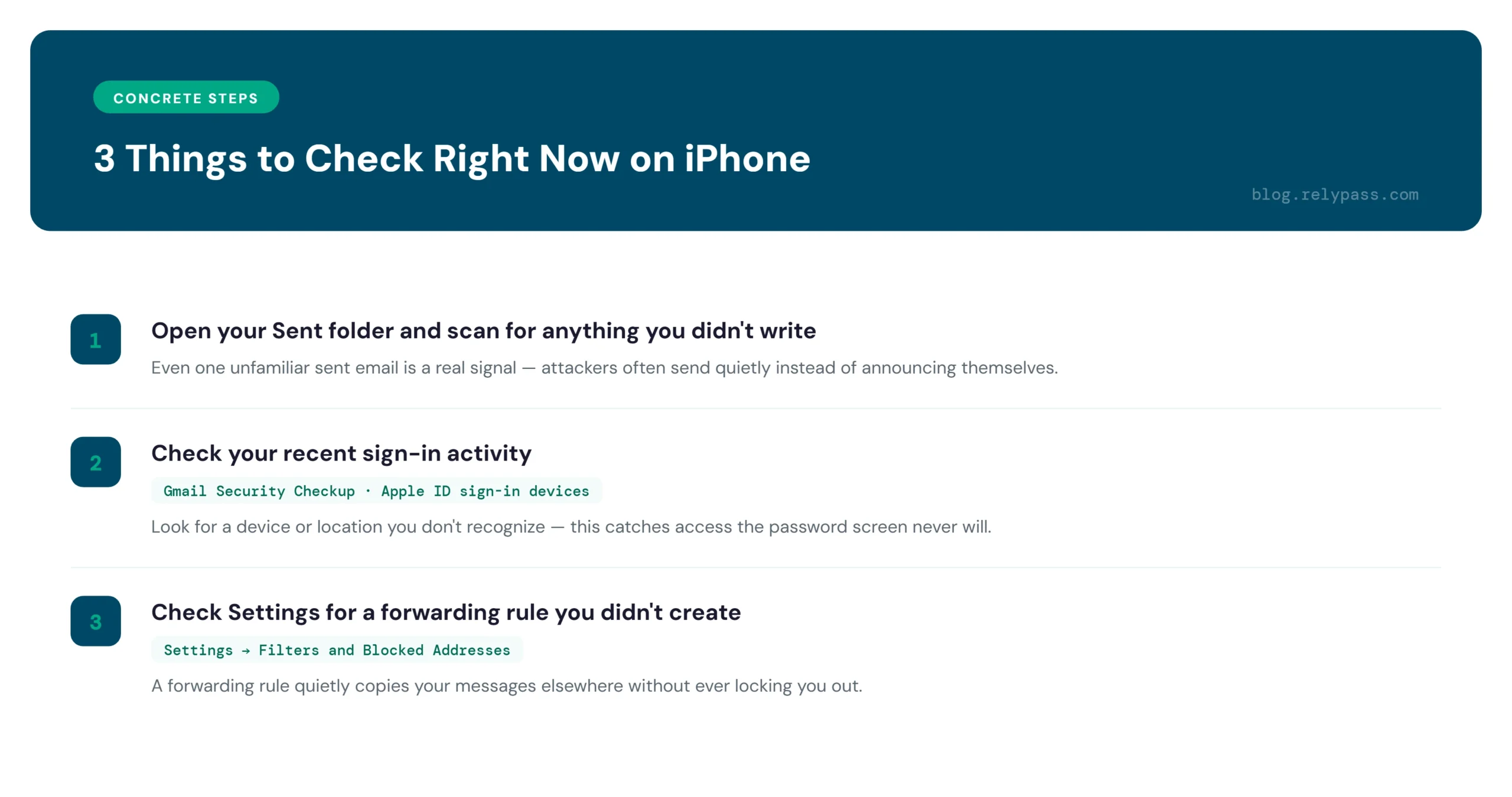
People usually look for obvious signs when they think their email has been hacked. They expect to lose access, find strange emails in their sent folder, or hear from friends about spam messages. Those signs matter, but they are easy to notice. The signs below are not.
An Unknown Forwarding Address
Check your email settings for a forwarding address you never added. Someone who gets into your account can use it to send copies of your incoming emails to another inbox. Your inbox may look completely normal while someone else reads your messages.
A Device You Do Not Recognize
Check your recent login activity and look at the devices connected to your account. If you find a phone, computer, or location you do not recognize, look into it. Your password can still work normally while someone else has access to your account.
A New Recovery Email or Phone Number
Check your recovery information and make sure it still belongs to you. Someone who gets into your account may add their own phone number or email address. That can give them another way to get back into your account later.
Emails Marked as Read
Pay attention to emails you remember receiving but never opened. If messages are marked as read without you opening them, someone else may be checking your inbox.
Missing or Moved Emails
Search for important emails that seem to have vanished. Someone with access to your account may create filters that move certain messages to another folder or delete them. This can hide password reset emails, bank alerts, and other important messages.
These signs do not always mean your email has been hacked. But if you notice something you did not change, check your account. How do I know if my email was hacked is not answered by checking your password alone.
3 Things to Check Right Now
You do not need any special tools to answer how do I know if my email was hacked. You just need a few minutes and your phone or computer.
Check Your Sent Folder
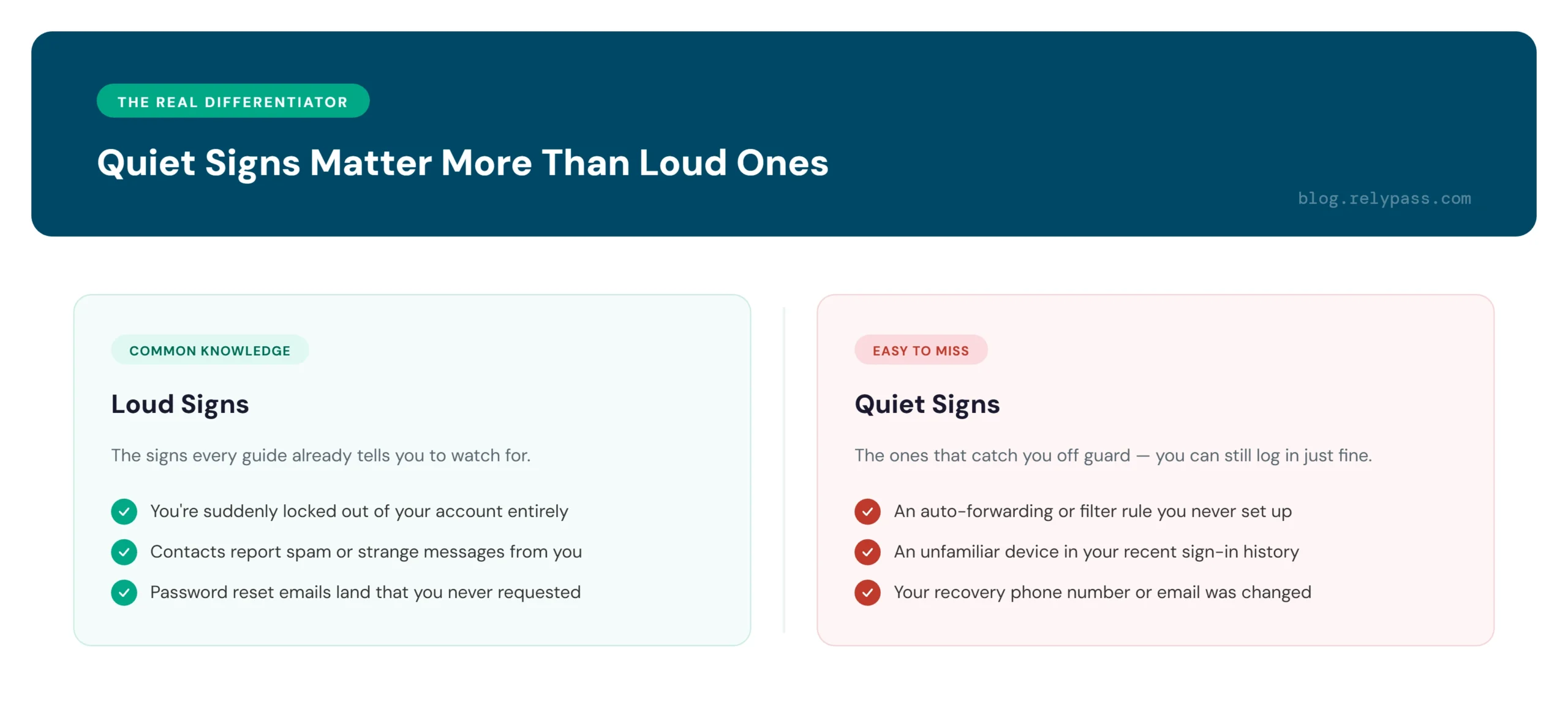
Open your Sent folder. Look for messages you did not write, especially ones sent at odd hours, like the middle of the night. Attackers often send spam or phishing links from a hacked account, then delete the evidence. Also check your Trash and Deleted Items folders for sent messages that look unfamiliar.
Check Your Recent Sign-In Activity
If you use Gmail, open it on your computer and scroll to the bottom of your inbox. Click “Details” next to “Last account activity.” You will see recent sign-ins, including the device, location, and time.
On an iPhone, go to Settings, tap your name at the top, then select “Sign In & Security.” You can check the devices connected to your Apple ID there. If you spot a device or location you do not recognize, take it seriously and secure your account.
Check Your Forwarding and Filter Rules
In Gmail, open Settings and go to “Forwarding and POP/IMAP.” Check for any forwarding email address you did not add. Then open the Filters section and look for rules you never created, especially ones that delete or forward emails. If you use the Mail app on iPhone, check your email account settings for any forwarding option you did not turn on.
If any of these three checks turn up something strange, treat it as real. You do not need every sign to be present. One is enough to act on.
How Do I Know If My Email Was Hacked If I Can Still Log In
Yes, your email can be hacked even if your password still works. A working password does not always mean your account is safe.
Hackers may avoid changing your password because they do not want you to notice anything unusual. Instead, they may quietly read your emails, wait for password reset messages from your bank or shopping accounts, or set up forwarding rules to receive copies of your messages.
That is why how do I know if my email was hacked cannot be answered by simply trying to log in. If you are not sure, check your sent folder, login activity, and forwarding rules. These checks only take a few minutes and can help you spot anything that should not be there.
What to Do the Moment You Confirm It
The moment you find a sign that something is off, move through these steps in order.
Change your password. Pick something new and unrelated to your old one. Do not just add a number to the end of it.
Turn on two-factor authentication. This adds a second step to every login, even if someone has your password. See our full guide on turn on two-factor authentication for a walkthrough of the process.
Remove any device or session you do not recognize. Most email providers let you sign out of every other device from your security settings page.
Delete any forwarding rule or filter you did not set up yourself.
Check your recovery phone number and recovery email. Make sure both belong to you.
Work through this list calmly. You do not need to rush through it in a panic. Just make sure you finish every step before you consider the problem solved.
You may also want to know if your email address has ever shown up in a past data leak. That is a separate question from active compromise — check whether your email address has shown up in a known data breach for that part of the picture. For the official steps straight from Google, see Google’s guide to securing a hacked account, or the FTC’s recovery guide for a neutral, no-product-to-sell walkthrough.
If your account is already locked out of Gmail entirely rather than just quietly compromised, that is a different recovery path than the checks above.
Why a Hacked Email Should Not Mean a Hacked Everything
Account recovery usually goes through your email. Your bank, shopping sites, social media accounts, and other services often send password reset links to your inbox. So if someone gets into your email, they may also find a way into other accounts linked to that address. That is how many people end up locked out of their Instagram account.
The risk gets higher when you use the same password on different sites or rely on small variations of one password. If your email has been compromised, check which other accounts could be at risk — your bank, shopping accounts, social media, and any service that uses the same password. Understanding what happens when a breach exposes your data makes it easier to see why a single reused password turns one compromised account into several, and the mistakes that make one breach turn into many are worth ruling out while you’re already checking everything else.
This is where RelyPass can help. It gives each account a separate password and stores your passwords on your device instead of syncing them through your email. So if someone gets into your email, your other accounts still have their own passwords. RelyPass is free to try on the App Store.
Final Word
So, how do I know if my email was hacked? Do the three checks above before you close this page: check your sent folder, review your login activity, and look for forwarding rules you did not set up. If everything looks normal, you can relax.
If you find something unusual, go through the fix list calmly and carefully. After securing your email, give every other account its own password, so one hacked account does not turn into a much bigger problem.
FAQ
How Do I Get a Hacker Out of My Email?
Change your password right away and make sure it is completely different from your old one. Turn on two-factor authentication for extra protection. Then check your account for unknown devices, forwarding rules, recovery email changes, or other settings you did not make. Remove anything suspicious and sign out of devices you do not recognize.
Can Someone Hack Your Email Just by Knowing Your Email Address?
No. Knowing your email address alone does not give someone access to your account. They would still need your password or another way to get into your account. Hackers may use phishing emails, fake login pages, or other tricks to steal your details.
What Are the First Signs Your Email Has Been Hacked?
You may notice small changes before anything serious happens: emails in your sent folder that you did not send, unknown devices in your login history, or forwarding rules you never created. You may also notice password reset emails or messages from people asking about emails you never sent.
How Do I Check If Someone Is Accessing My Gmail?
Open Gmail on your computer and scroll to the bottom of your inbox. Click “Details” next to “Last account activity.” You will see recent login activity, including the device, location, and time. Check the list for anything you do not recognize.
What Should I Do If I Think My Email Has Been Hacked?
Start by changing your password and turning on two-factor authentication. Then review your recent login activity, sent emails, forwarding rules, recovery settings, and connected apps. Sign out of any unfamiliar sessions and remove access you do not recognize.
Can a Hacked Email Put My Other Accounts at Risk?
Yes. If you use the same password for other accounts, a hacker may try that password elsewhere. Change those passwords too and use a different password for every important account. A password manager can make this easier to manage.
Can I Recover a Hacked Email Account?
In most cases, yes. Use your email provider’s account recovery process if you cannot sign in. You may need to confirm your identity using a recovery email, phone number, or other account details.