


What to Do After a Data Breach Notification (Before You Click Anything)
Quick Answer: What to do after a data breach notification starts with one simple rule. Do not click anything inside the message itself. First, confirm the notice is real by going to the company’s website on your own. Then change the password for that account to something new and unique, not a small change to the old one. Only freeze your credit if the breach included your Social Security number or financial details. Most breaches do not need that step.
You open an email and see a message saying your personal information was involved in a data breach. Your first reaction may be unease about the message itself. Is it genuine? Should you click the link?
Could ignoring it make things worse? Before you do anything, take a moment to check where the message came from and what information was exposed.
You must know what to do after a data breach notification: start by staying calm and checking the notice first. From there, you can change the right password, watch your accounts, and take extra steps if your sensitive information was exposed. You can also proactively check if you’re in a known breach before a company ever contacts you directly.
In this blog, we will cover the best ways to respond after a data breach notification.
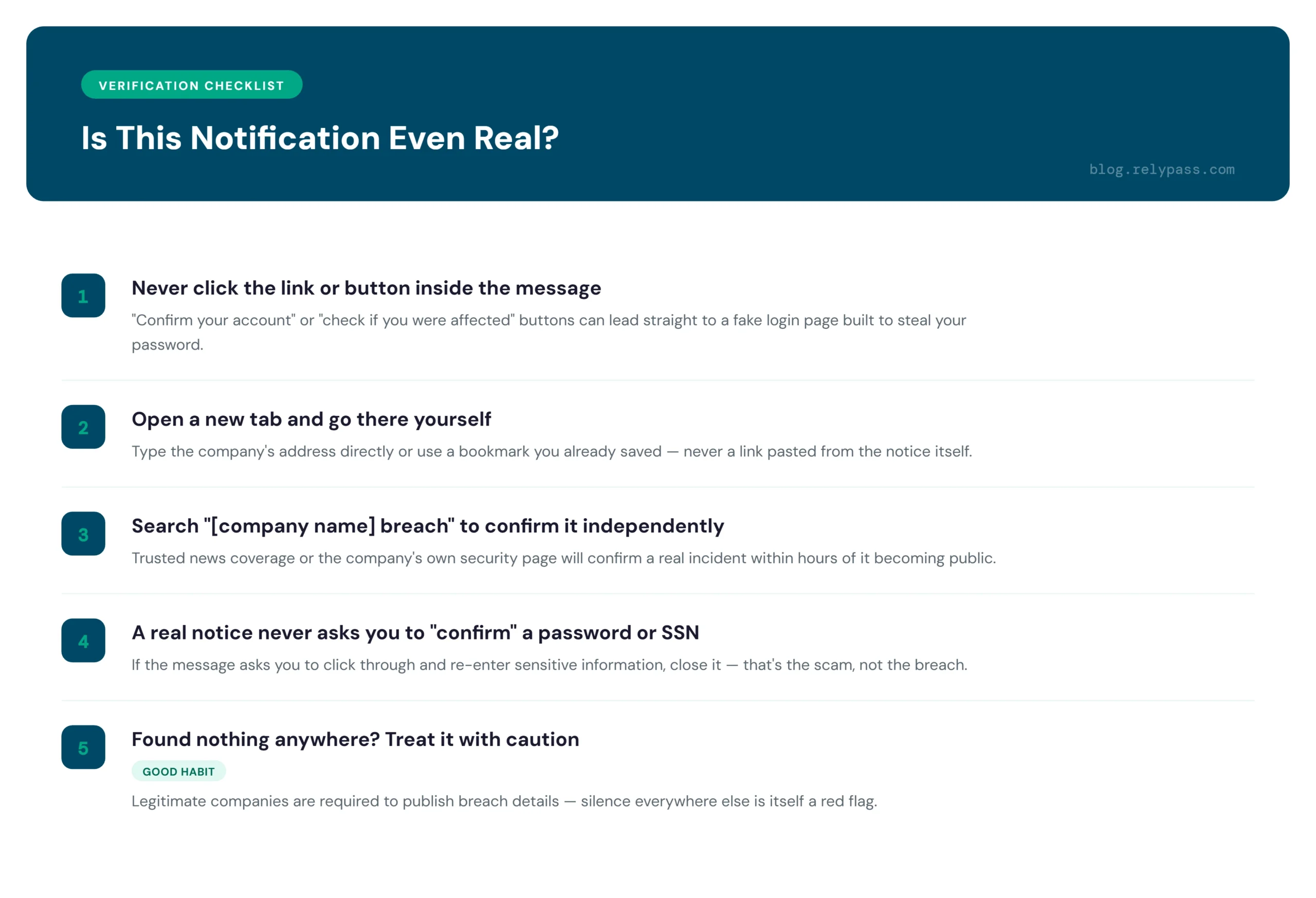
Is This Notification Even Real?
The first thing to do after a data breach notification is make sure the message is actually from the company. Scammers often send fake breach emails to trick people into sharing passwords and other personal information.
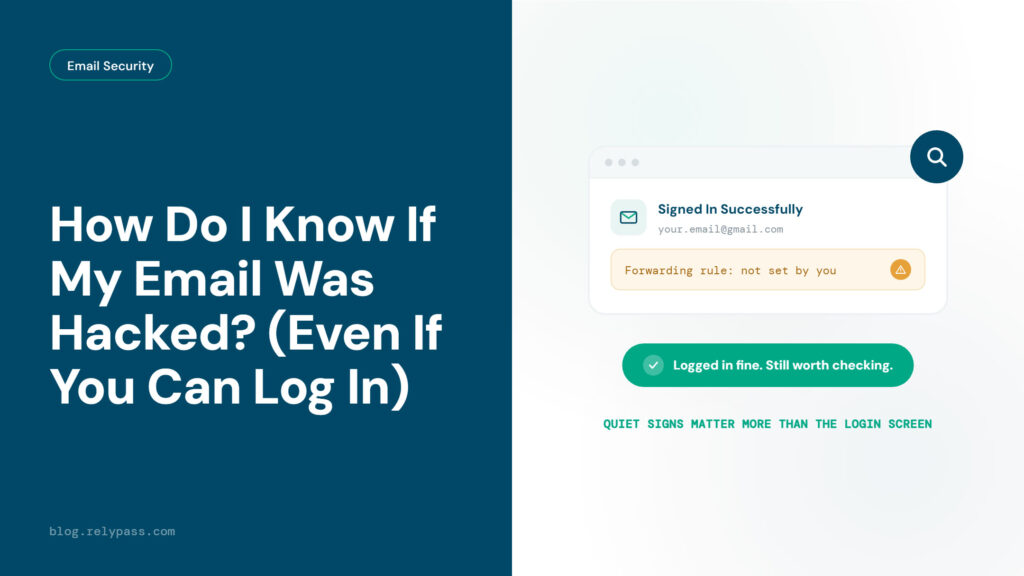
Do Not Click the Link
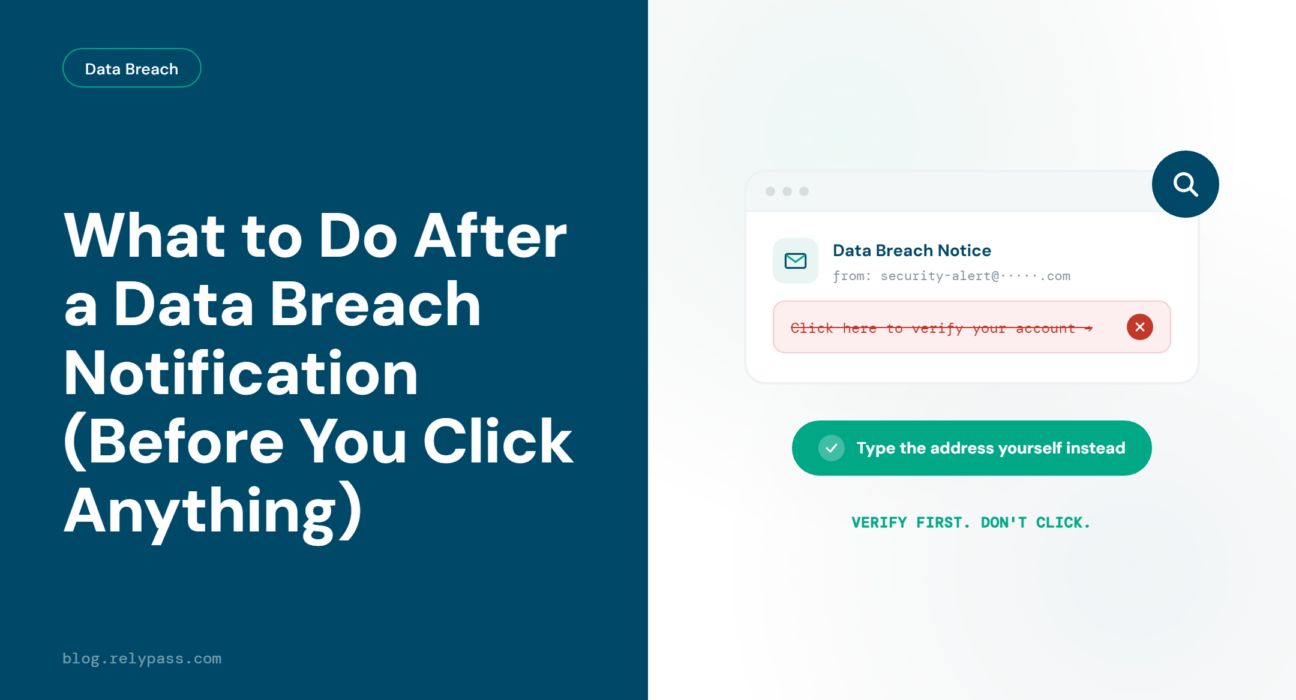
Do not click any link in the email. Avoid buttons that say “confirm your account” or “check if you were affected.” These links can take you to a fake website designed to steal your information.
Open a new browser tab instead. Type the company’s website address yourself or use a bookmark you have already saved. You can also search the company name with the word “breach” to see if the company or trusted news sites have reported the incident.
Check the Company Website
Look at the company’s official website for information about the breach. You may find a security update, support page, or public notice explaining what happened. If you cannot find anything, do not assume the email is genuine.
Never Share Your Password
A genuine breach notice will not ask you to enter your password to confirm the message. It should not ask for your Social Security number through an email link either. If it asks for either, close the page and delete the message.
Watch for Fake Login Pages
Fake login pages can look almost exactly like the real website. Before entering your details, check the website address yourself. Do not trust a link just because it looks familiar. That is the same instinct that catches a fake login page in any other phishing attempt, not just a breach notice.
Take a Few Extra Minutes
If you cannot find any information about the breach on the company’s website or in trusted news reports, be careful with the message. A legitimate company will usually share details about a breach and explain what customers should do.
What the Notification Should Tell You
After you confirm that the notice is genuine, read it carefully. The type of information exposed will tell you how serious your next steps need to be.
A breach that exposed only your email address and password is different from one that exposed your Social Security number or bank details. Many breaches fall into the lower risk category. Keep that in mind, because panic can make people take steps they do not actually need.
Look for these details in the notice.
- What type of information was exposed, such as passwords, email addresses, card numbers, or Social Security numbers.
- When the breach happened and when the company discovered it.
- What the company is doing about the breach, including any free monitoring service it may offer.
If the notice does not clearly explain what was exposed, contact the company through its official support channel and ask for more information. You cannot decide what steps to take without knowing exactly what information was affected.
The One Step That Actually Matters Most
Out of everything involved in what to do after a data breach notification, one step matters most. Change the password for the account that was breached.
Do not simply add a number to the end of your old password. Create a completely new one. A small change to an old password is easy for automated tools to guess. They already have the original password, so changing one or two characters does not make much difference.
If you want something instantly strong and unique without thinking it up yourself, RelyPass’s free password generator does it in one click.
This is the step many people put off after getting a data breach notification. Do not skip it. Creating a new, unique password takes about thirty seconds and can prevent many problems later.
Here is why this step matters so much. Many people use the same password for several accounts. When one site is breached, criminals can take that password and try it on email accounts, banking apps, and shopping sites. One exposed password can put several accounts at risk within days.
If you have used that password anywhere else, change it there too. Start with your email account, since it often handles password resets for your other accounts.
Our guide on the mistakes that turn one breach into many explains other habits that can make a breach worse than it needs to be. Give it a read after you finish here.
When You Actually Need a Credit Freeze (and When You Don’t)
A credit freeze is not required for every breach. This is a part of what to do after a data breach notification that people often get wrong, because fear pushes them to take a bigger step than the situation calls for.
You need a credit freeze only if the breach included your Social Security number or a financial account number. If the notice only mentioned your email and password, a freeze is not necessary. Focus on the password step instead.
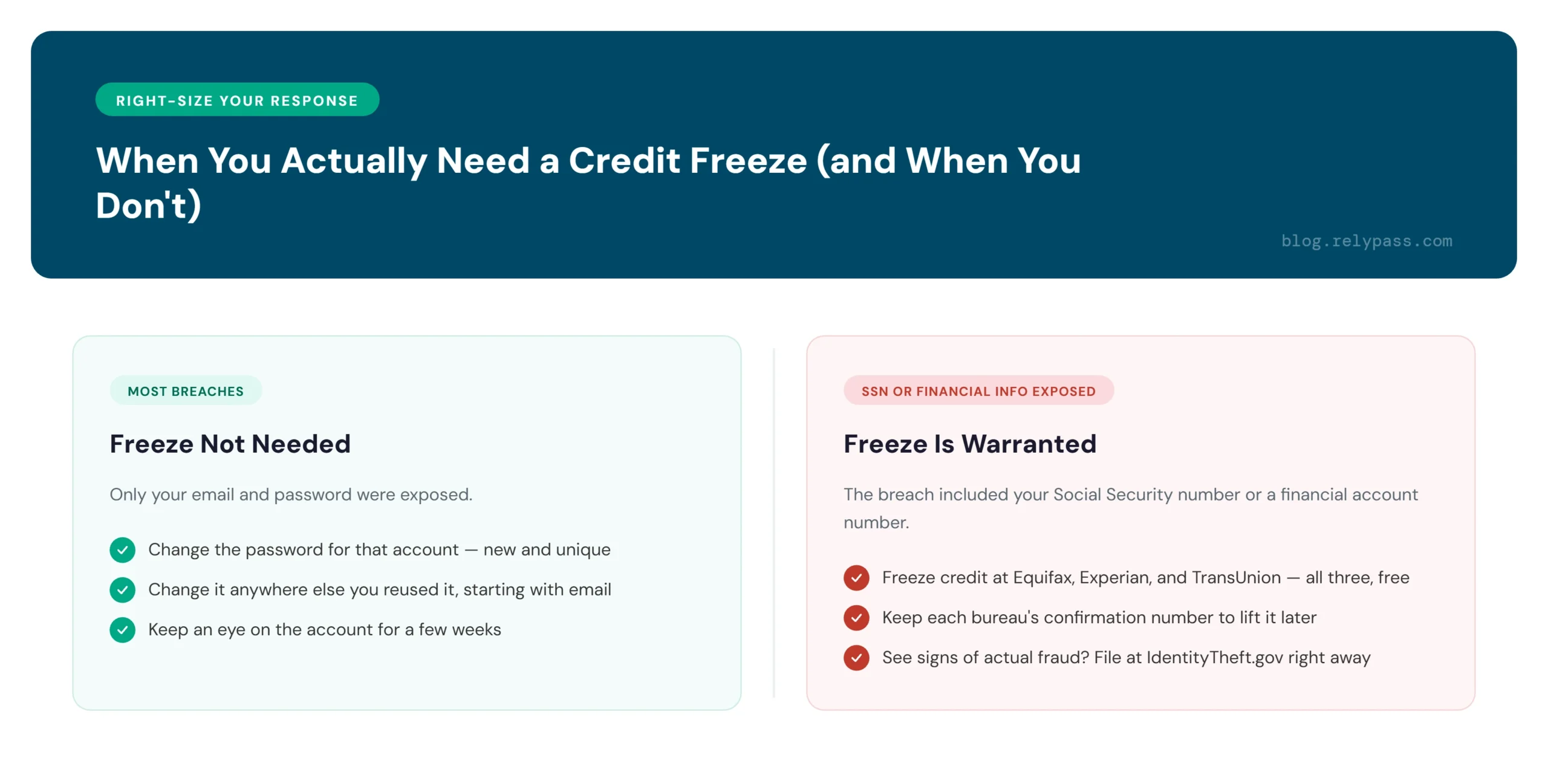
If your Social Security number was part of the breach, here is what to do.
- Go to each of the three credit bureaus. Equifax, Experian, and TransUnion each let you freeze your credit for free on their own websites.
- Keep a record of the confirmation number from each bureau. You will need it later if you want to lift the freeze.
- Watch your accounts for the next few months. If you notice a charge or account you do not recognize, file a report at IdentityTheft.gov right away.
You can also check what’s already on file for free at AnnualCreditReport.com, the only federally authorized source. Steer clear of lookalike sites that charge a fee for something that’s free by law.
A freeze does not hurt your credit score. It simply blocks new accounts from being opened in your name until you lift it. For the other free steps, here is how to protect yourself from identity theft.
If you plan to apply for a loan or a new credit card soon, you can lift the freeze for a short window and place it again after. This takes only a few minutes on each bureau’s website. It is a small extra step compared to the protection it gives you.
Why Your Password Manager Should Be Your First Stop
Since changing your password is the most important step, the quickest way to do it properly is with a tool made for that exact task.
A password manager creates a new password that nobody can easily guess, not even you. It keeps that password stored safely, so you do not have to remember a long mix of letters and numbers.
There is another benefit that matters here. A password manager only enters your login details when you are on the actual website. If a scammer sends a fake breach message with a link to a copied login page, your password manager will not fill in your details. That can be your warning sign. You know something is wrong before you type anything into the page.
RelyPass works in the same way. Open the account that was breached, let RelyPass create a new password, and save it. The whole process takes less time than reading this section. You can find RelyPass in the App Store and set it up on your phone within a few minutes.
When your passwords are stored in a manager, you do not need to remember them or write them down somewhere. Every account gets its own password. If one website suffers a breach, your other accounts are not put at risk.
FAQ
Why Did I Get a Data Breach Notification?
A company you used, sometimes years ago and sometimes one you barely remember, had a security incident. Companies are required by law to tell affected customers. Getting the notice does not mean fraud has happened yet. It means your information was exposed and you need to take a few careful steps.
Is a Notice of Data Breach Legitimate?
Check by going straight to the company’s official website instead of clicking anything in the message. Type the address yourself or use a saved bookmark. A real notice never asks you to click through and confirm your password or your Social Security number. If it does, treat it as a scam.
What If My SSN Was Part of a Data Breach?
This is the one case where a credit freeze with all three bureaus is worth doing. Freeze your credit at Equifax, Experian, and TransUnion. If you later spot signs of actual fraud, such as unfamiliar accounts or charges, file a report at IdentityTheft.gov right away.
How Do I Know If I Was Part of a Data Breach?
A direct notice from a company is one way you find out. The other way is to proactively check if you’re in a known breach before any company reaches out. Our guide walks through that method step by step.
Knowing what to do after a data breach notification helps you stay calm and deal with the situation properly. Check that the notice is genuine, change the affected password, and keep an eye on your accounts for the next few weeks. There is no need to panic or take every security step after every breach.
A password manager can also make things easier. It can create a different password for each account and keep them stored safely, so you do not have to remember them all. For the broader steps to prevent the next one, keep our full guide handy for whenever the next notice lands.
RelyPass helps you manage your passwords in one place and keeps them ready when you need them. Try RelyPass today and make managing your passwords a little easier.