


Should You Change Your Password Every 90 Days? (And 2 Other Password Myths)
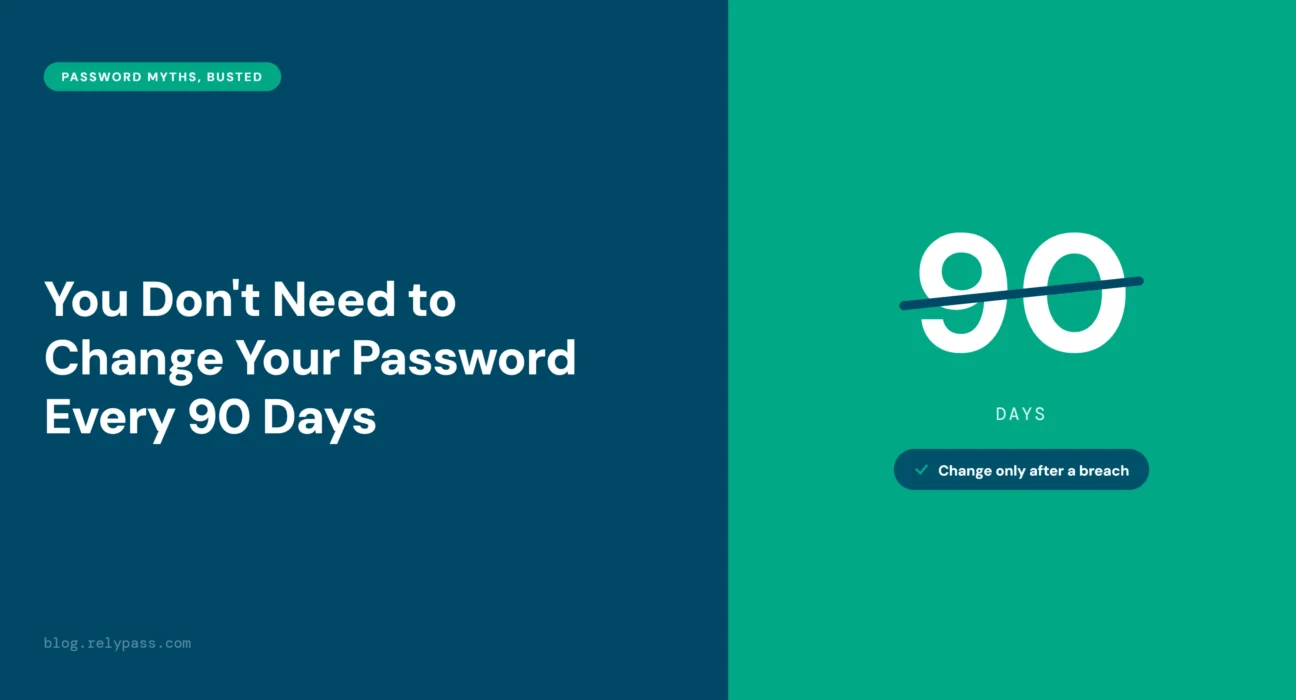
TL;DR: Should you change your password every 90 days? No. NIST and Microsoft no longer recommend changing passwords on a fixed schedule. NIST says you should change your password if there is a security breach or you think someone accessed your account. Changing passwords too often can also lead to bad habits. Many people simply make small changes to their old password, making it easier to guess. A better approach is to use a strong password and change it when there is a security risk.
That “your password expires soon” message shows up again. So you change it, make a small tweak, and get back to what you were doing. But do you really need to keep doing this every 90 days?
Should You Change Your Password Every 90 Days? Not necessarily. The old 90-day rule is no longer the advice from NIST and Microsoft. Some other password rules you may still follow have changed too.
In this article, I will explain to you the 90-day rule and two other common password myths. You will learn when you actually need to change a password and what you should do instead. No confusing rules, just simple advice you can use.
Let’s begin the discussion.
Should You Change Your Password Every 90 Days? No — Here’s Why
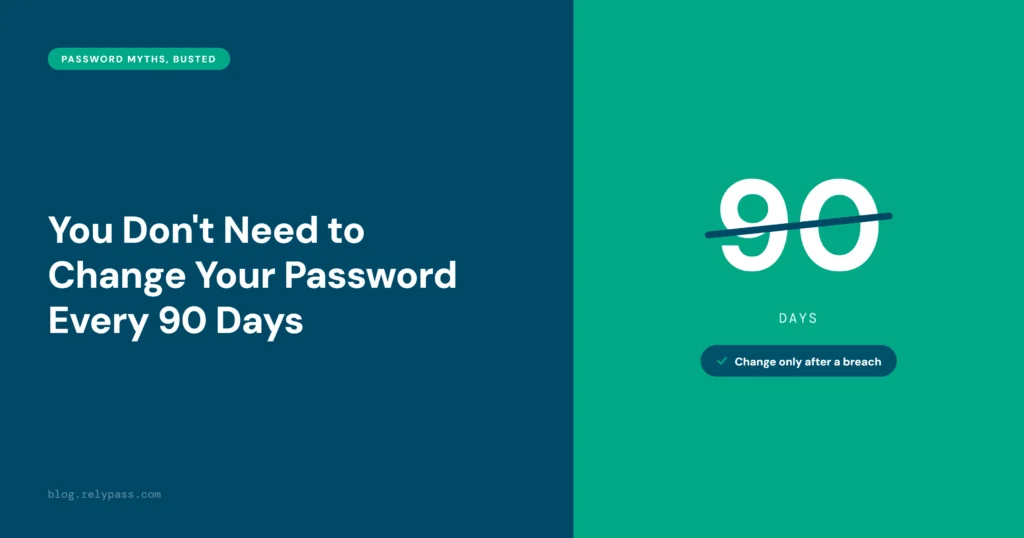
Do you still change your password every 90 days? If so, you can stop. Changing passwords every three months used to be standard security advice. But things have changed.
NIST and Microsoft no longer recommend forcing people to change their passwords on a set schedule. So, if 90 days have passed, you do not need to change your password just because the date says you should.
What Does NIST Say?
The National Institute of Standards and Technology, or NIST, says organizations should not require regular password changes under its SP 800-63B-4 guidance.
Instead, change your password when there is a reason to think it may be unsafe. For example, your account may have been hacked, your password may have appeared in a data breach, or someone may have accessed your account without permission.
Microsoft Dropped the Rule Too
Microsoft made a similar change back in 2019. It removed forced password expiration from its Windows security baseline.
So why did both organizations move away from the 90 day rule? Because forcing people to change passwords often did not make accounts safer.
Why Frequent Password Changes Can Be a Problem
Think about what happens when you are told to create a new password every few months. Most people do not come up with something completely new.
They change the old one instead. A “1” becomes a “2.” An extra symbol gets added. Maybe one letter is changed.
The problem is that attackers know these habits. They can use common patterns like these when trying to guess passwords.
It Can Create Other Bad Habits
Frequent password changes can also make people forget their passwords. That can lead to repeated reset requests or people writing passwords down somewhere they should not. It can also encourage people to use similar passwords across different accounts.
So When Should You Actually Change It?
Change your password when you have a reason to think it is no longer safe. You do not need to change it just because 90 days have passed.
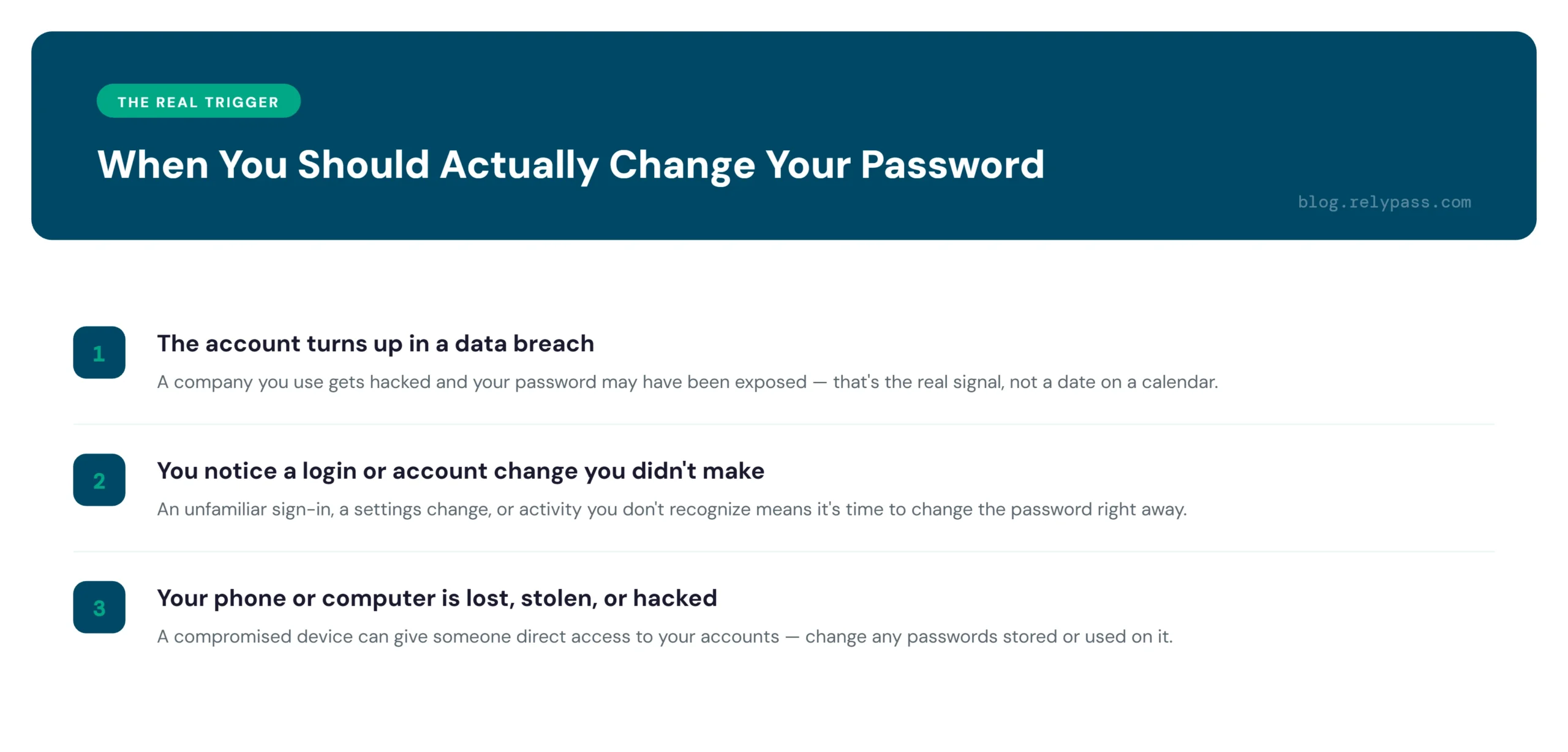
There are a few times when you should change it. The first is after a data breach. If a company you use gets hacked and your password may have been exposed, change it right away.
You should also change it if you notice something strange, such as a login you do not recognize or an account change you did not make.
The same applies if your phone or computer is lost, stolen, or hacked. Someone could use it to get into your accounts.
If none of these things have happened, there is no need to change a good password just for the sake of it. A long, unique password that has stayed safe for two years is better than one you keep changing every few months.
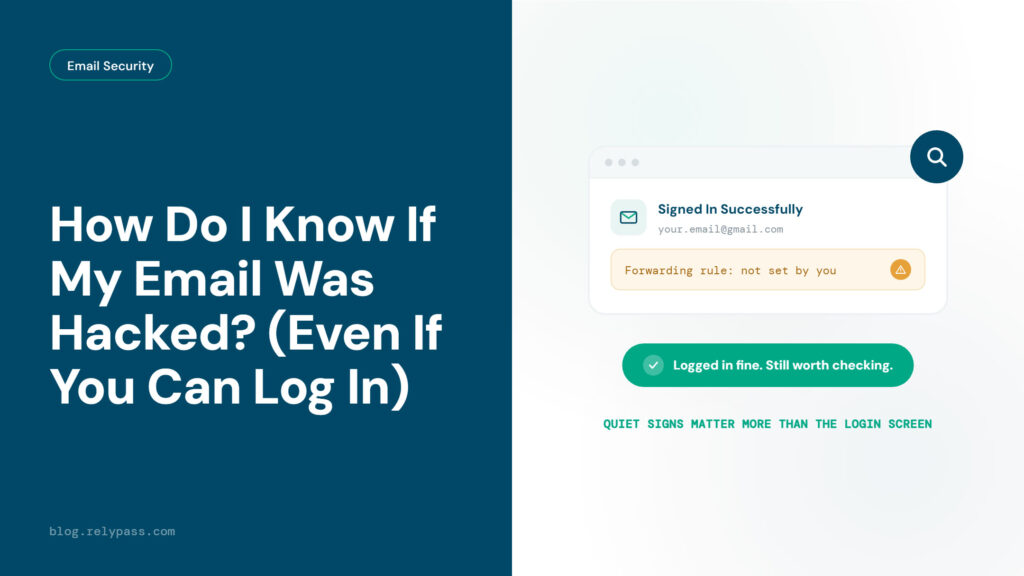
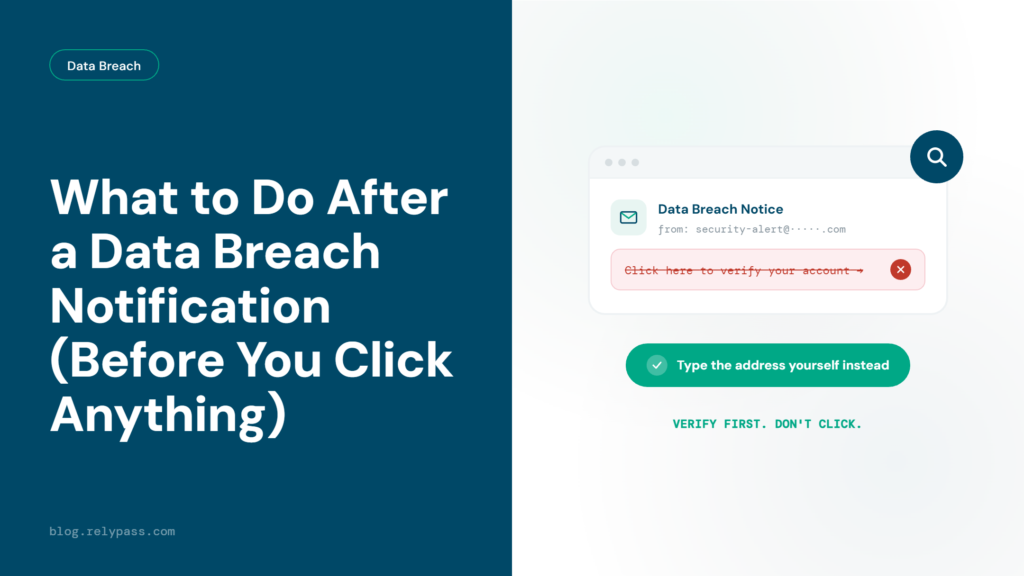
You can check if that account shows up in a known breach using Have I Been Pwned. RelyPass also has guides on how to tell if your email specifically has been accessed and what to do if a company tells you directly about a breach.
Focus on using strong, unique passwords and changing them when there is a security reason, not just because the calendar says so.
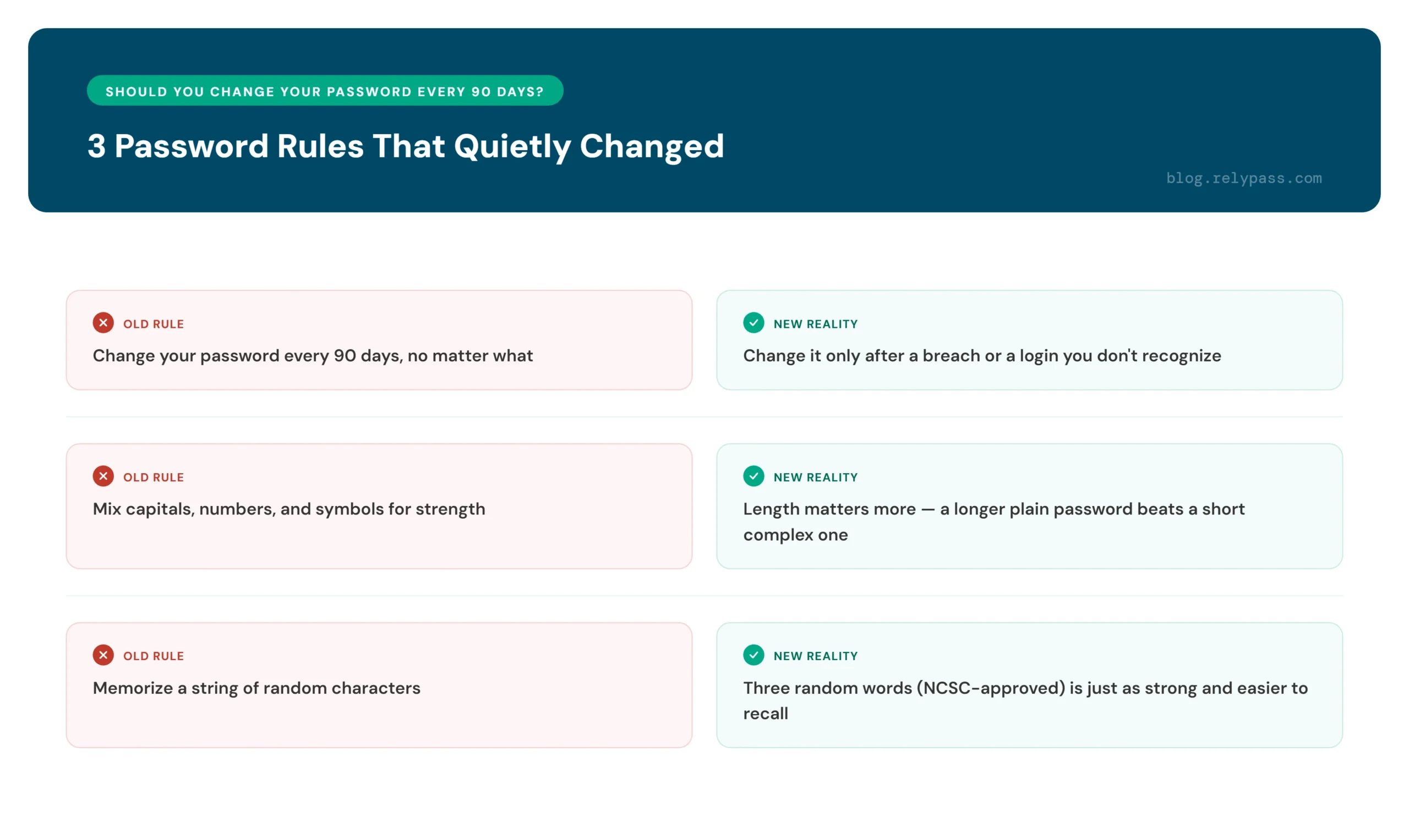
2 Other Password Rules That Quietly Changed
The 90-day rule is not the only old password advice that has changed. A few other rules that were once treated as must follow advice have also been replaced with simpler ways to create safer passwords.
Password Length vs Complexity
For years, we were told that a strong password needed capital letters, numbers, and special symbols. But there is more to password security than simply adding random characters.
Password length matters a lot. A long password can be harder for a computer to guess than a short password filled with symbols. Adding a few special characters helps, but adding more characters to the password can make it much harder to crack.
This is why the password length vs complexity debate often comes down to one simple point: longer passwords are usually the better choice. A password that is easy for you to remember but long enough to be difficult to guess can be a much better option.
RelyPass explains why length beats complexity, along with simple password tips, in its Strong Password Ideas guide.
Three Random Words Password
Another simple approach comes from the UK’s National Cyber Security Centre. It suggests using three random words together to create a password.
For example, you could use something like ‘riverjacketbanana’. It is long enough to make guessing harder, but it is also much easier to remember than a password packed with random numbers and symbols.
The idea is simple. Pick three unrelated words and put them together. You get a long password without having to remember a confusing mix of characters.
This approach can also help you avoid writing passwords down just because they are difficult to remember. For a full look at combining random words and other password tips, RelyPass has a complete guide.
What Actually Matters: Unique, Not Rotated
All three old password rules lead to the same point. A good password needs to be unique and long enough to make guessing difficult. You do not need to change it every few months to keep it safe.
The thing many people forget is that you do not have to remember every password yourself. A password manager can create a unique password, save it for you, and keep it there until you actually need to change it.
This also takes away the hassle of keeping track of password expiry dates. You do not have to wonder if your password is about to expire or keep making small changes to the same password.
It also helps you avoid using similar passwords across different accounts. If one password is exposed, attackers may try the same password on your other accounts. Using a different password for every account helps reduce that risk.
So, should you change your password every 90 days? Not unless there is a reason to. If your password is long, unique, and has not been exposed, there is no need to replace it just because three months have passed.
A password manager can create and store a new password for each account, while regular breach checks can tell you if your account information has been exposed. Together, they make password security much easier to manage.
RelyPass follows this approach by combining password management with breach checks. You can download RelyPass from the App Store and use it to keep your passwords safer without worrying about an outdated rotation schedule.
End Note
So, Should You Change Your Password Every 90 Days? No. If your password is unique and has not been exposed, there is no need to change it just because 90 days have passed.
A password manager makes things easier. Use it to create a different, long password for each account. You do not have to remember them all or keep changing them every few months.
Want an easier way to manage your passwords? Download RelyPass and keep your accounts protected with less hassle.
FAQ
Is changing passwords every 90 days still recommended?
No. NIST says you do not need to change your password every 90 days. Microsoft also removed this rule from its Windows security guidelines in 2019. Change your password if it has been exposed or you think someone has accessed your account.
What happens if I use the same password for different accounts?
If one account gets hacked, attackers may try the same password on your other accounts. This is called credential stuffing, and it’s one of the mistakes that make one reused password costly. Using a different password for each account helps keep your other accounts safe.
Is a longer password better than one with lots of symbols?
Yes. Password length matters more. A long password can be harder to crack than a short password filled with numbers and symbols. Adding symbols can help, but making the password longer is usually a better choice.
How long should my password be?
Try to use at least 12 characters. If a website lets you use a longer password, go for it. Longer passwords are harder for attackers to guess.