


TikTok Password Reset Not Working? Problems and Solutions
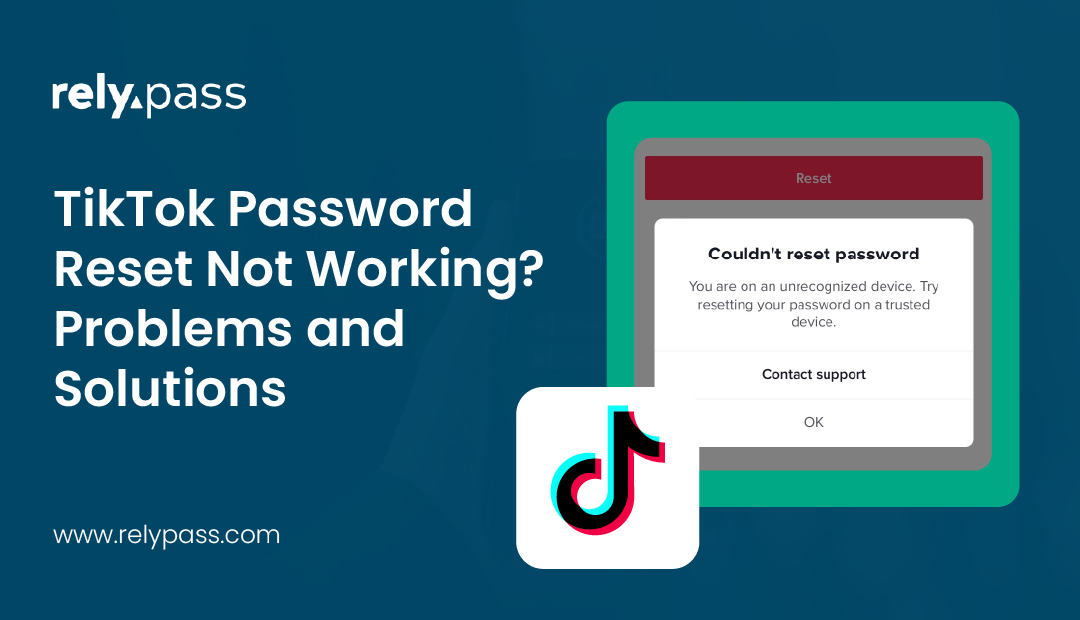
Is your TikTok password reset not working? Then, this is an issue that you must address and should take steps to solve it. If you tap ‘reset’ and wait for a code or email, and nothing shows up, it means you need a proper solution.

So what is the proper solution for this issue? Well, in this blog, I will share the top 10 fixes for your TikTok reset. Here you can also learn why this problem happens, and also how you can prevent this issue in future.
Let’s begin the discussion.
Why Your TikTok Password Reset Not Working
Different users run into different problems while resetting the password for TikTok. That is why you should know what you are dealing with before you try to fix it.
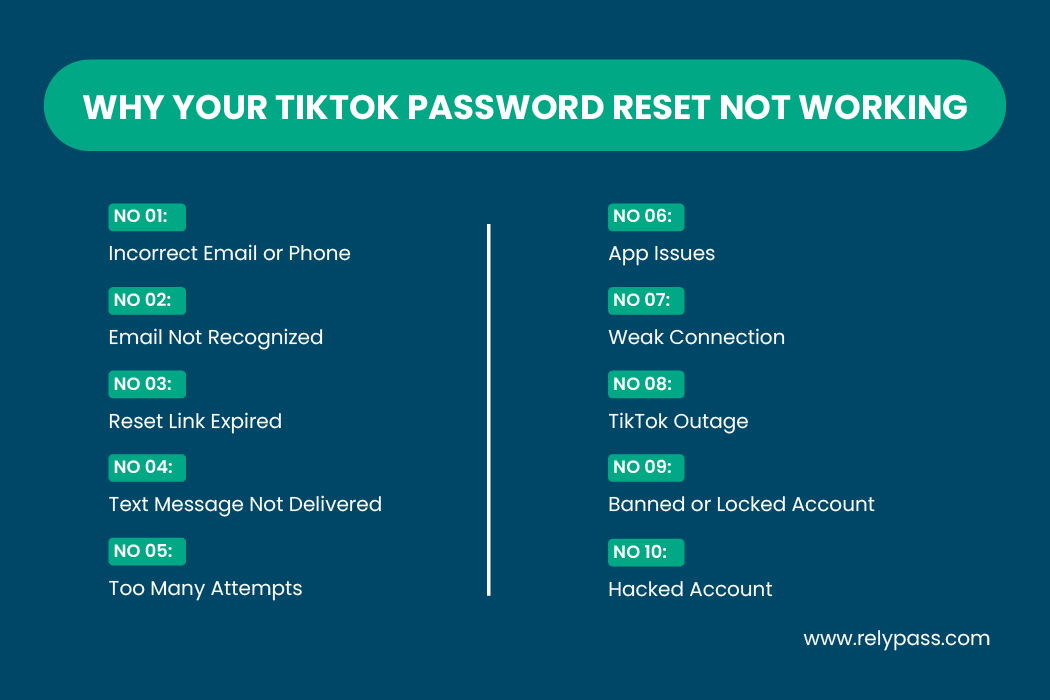
So, the reasons are:
Incorrect email or phone
Many people forget the email or phone number they used years ago when creating the account. TikTok will not send anything if the contact information does not match exactly.
Email not recognized
Sometimes TikTok removes an email address during a security sweep. If that happens, the email reset option will not work until you update your contact details.
Reset link expired
TikTok links lose their validity quickly. If you open an older message, the link will no longer respond.
Text message not delivered
Carriers block automated messages sometimes. Other times, the phone itself blocks unknown senders.
Too many attempts
Requesting multiple reset messages with very little time in between can create a loop that stops TikTok from sending anything new.
App issues
Old app versions and overloaded cache files often create login errors.
Weak connection
If your device struggles to stay online, TikTok cannot communicate with its servers properly.
TikTok outage
When TikTok servers have trouble, everyone experiences login problems at the same time.
Banned or locked account
If your account breached policies or is under investigation, resets may not work.
Hacked account
If someone removed your phone number or email, you will not receive any recovery messages.
Top 10 Fixes to Solve TikTok Passwords Reset Not Working Issues
Here, I will share the top 10’fixes that you must know to solve TikTok password reset and not working issues. Go through each of these solutions one by one to fix your issue.
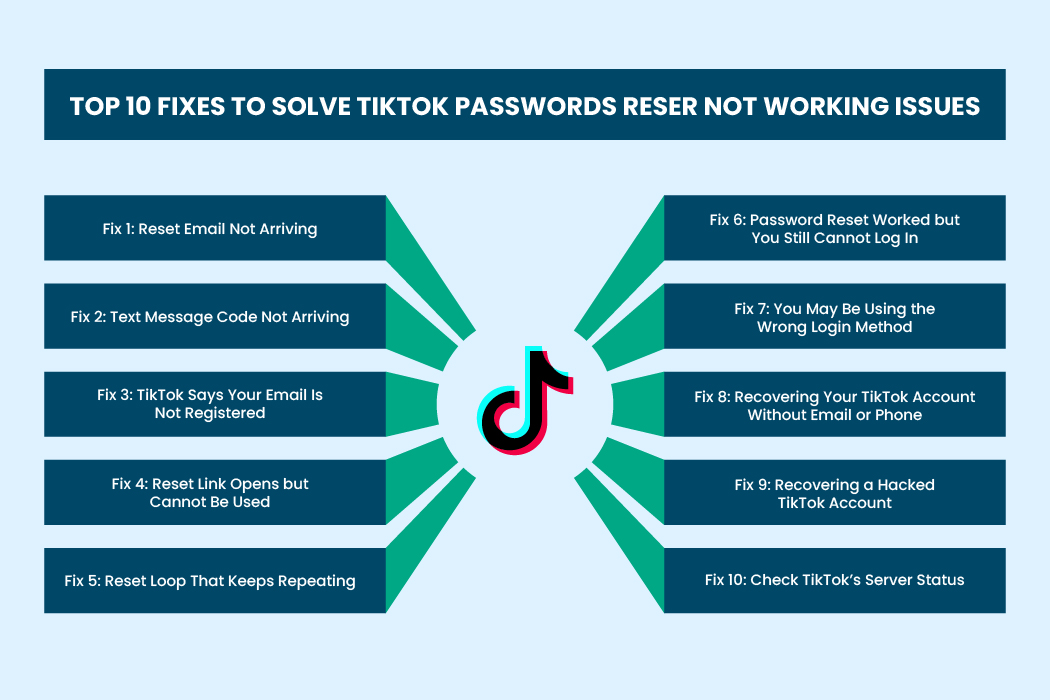
So, let’s explore the fixes here.
Fix 1: Reset Email Not Arriving
If you are waiting for a reset email that never appears, begin with these steps.
Check all folders
Open junk, spam, promotions and any custom folders you use. The email can land anywhere.
Search for previous TikTok mail
Search your inbox for any message from TikTok. This confirms whether you used that email address for your account.
Try every email you own
A surprising number of users realize later that they used an old secondary email to sign up.
Use your username instead
When you tap “forgot password,” choose the username option. TikTok will guide you to the correct recovery path based on the contact details connected to that username.
Wait a few minutes
During busy hours, TikTok mail can take a little longer.
Check your work email settings
Corporate email providers often block automated messages quietly.
If none of this works, you may be in a deeper stage of the tiktok password reset not working problem. Move to the next sections for stronger solutions.
Fix 2: Text Message Code Not Arriving
If TikTok is supposed to send a code to your phone but nothing appears, try these options.
Restart your phone
This refreshes the network signal and often fixes message delivery issues.
Turn off any message blocking feature
Some devices block unknown senders automatically.
Turn off VPN
Carrier networks sometimes filter texts when they detect a VPN connection.
Switch connection type
Move from Wi Fi to mobile data or the other way around.
Check the phone number format
Make sure you included the correct country code and removed any unnecessary characters.
Wait before trying again
TikTok temporarily limits repeated requests if it detects too many attempts.
If none of these attempts bring the code to your phone, you are dealing with another form of the tiktok password reset not working error, which may require alternate login methods.
Fix 3: TikTok Says Your Email Is Not Registered
This message appears more often than you might expect. Here is what you can do.
You may have joined with your phone number
If you created your account through your phone, email based recovery will not function.
Search for any older TikTok email
This helps confirm whether you ever connected that email address to your account.
Try logging in with your username
Once you reach the profile recovery screen, new options will appear.
TikTok may have removed your email
This sometimes happens when TikTok suspects unusual activity on your account.
If this is your situation, the tiktok password reset not working issue will persist until you reconnect an email through another recovery method.
Fix 4: Reset Link Opens but Cannot Be Used
Sometimes the link does arrive, but clicking it leads nowhere.
Open only the newest message
If you requested multiple reset emails, all older links lose validity.
Use incognito mode
This avoids interference from browser extensions or cached data.
Open through a browser
Do not open the email link directly inside the TikTok app.
This specific version of the tiktok password reset problem usually goes away once you use the correct link with a clean browser window.
Fix 5: Reset Loop That Keeps Repeating
If TikTok refuses to move past the same screen, you might be stuck in a constant password reset loop.
Clear TikTok’s cache
Open the app, tap Profile, go to Settings and privacy, then Free up space. Clear the cache.
Try a different device
Move to a computer or a different phone if possible.
Reset through the website
Go to TikTok’s website and start the recovery process there.
Update your app
Old versions create login loops often.
Clear browser cookies
This forces TikTok to refresh your login session.
Loops like this are common when people report that the tiktok password reset not working no matter what they try. Cleaning the app usually helps.

Fix 6: Password Reset Worked but You Still Cannot Log In
This can be confusing but it is easy to fix. So, ensure that:
Clear your saved login data
Your device might be trying to log in with your old password.
Log out of all devices
This clears any stuck sessions.
Reinstall TikTok
Fresh installs remove hidden files that can cause login trouble.
Try logging in with username
Sometimes email and phone based login screens freeze.
Choose phone number if available
TikTok accepts several login options. One may work when another does not.
This version of the tiktok password reset not working situation usually disappears once the app is reinstalled.
Fix 7: You May Be Using the Wrong Login Method
Many users forget that they joined through Google, Apple ID or another service. Those accounts do not use standard passwords.
If you see TikTok asking you to continue with one of those services, use that method and you will enter your account without any reset needed.
Fix 8: Recovering Your TikTok Account Without Email or Phone
If both your phone and email are unavailable, you still have ways to regain access.
Use your username
TikTok can begin recovery from your username alone.
Recover your Google or Apple login
If you joined through one of these services, start there.
Submit a support request
The TikTok support form guides you through identity checks.
Provide ID
TikTok may ask for identification to confirm ownership.
This is a reliable path when you are trapped in the tiktok password reset not working situation with no access to either phone or email.
Fix 9: Recovering a Hacked TikTok Account
If your email or phone number was removed from your account, you might have been hacked.
- TikTok will help you remove unknown devices.
- TikTok support handles these cases separately.
- This keeps the hacker from interfering with recovery mail.
A hacked account almost always triggers the toughest form of tiktok password reset not working because the attacker changes the very details you need for recovery.
Fix 10: Check TikTok’s Server Status
Sometimes the problem has nothing to do with you.
When TikTok servers experience trouble, the symptoms are clear.
- Reset links stop working
• SMS codes fail
• Login loops appear
• Passwords show incorrect errors
If large numbers of people are reporting the same issue at the same time, you are likely dealing with a temporary outage. TikTok usually resolves these moments quickly.
An outage can make the tiktok password reset not working appear widespread for several hours.
Prevent Future Login Issues
Once you have your account back, take a moment to update your password, check your email and phone number, and store your credentials in a secure place.
Read more: How to Keep Passwords Safe (Ultimate Guide & Easy Steps)

A reliable password manager keeps everything organized, synced across your devices and easy to access when you need it. This keeps you from repeating the same recovery problems in the future.
End Note
In the end, I hope this helped you get back into your account without stress. Keep your email, phone number and password updated so the next reset is easy. If the tiktok password reset not working problem shows up again, come back to these steps and try them one at a time. Most issues clear up with a little patience and a few simple checks.
Still dealing with login problems across different apps? RelyPass lets you store your logins securely so you never lose access to your accounts again.