


Netflix Password Reset Not Working? Here Are 9 Fixes

TLDR If your Netflix password reset isn’t working, try these in order: (1) check your spam folder and confirm you’re using the right email, (2) wait 10 minutes and request a new reset link, (3) open the reset link in an incognito window on a different device, (4) clear your browser cache and cookies, (5) sign out of all Netflix devices and log back in fresh, (6) if you think your account was hacked, contact Netflix support directly at netflix.com/loginhelp.
Netflix password reset not working usually comes down to one of four things: the reset email went to spam, you’re using the wrong email address, the reset link expired, or your device is caching old login data. This guide covers all 9 fixes in order – from the quickest checks to device-specific solutions – so you can get back into your account fast.
Why Netflix Password Reset Fails
Understanding why a reset fails can make the solution clearer. Sometimes the email address you are using is not the one linked to your Netflix account. Many people have multiple email addresses, and using the wrong one is a common mistake.

Other times, the reset email does not arrive because it is caught in a spam or junk folder, or your email provider blocks Netflix messages. Corporate or school emails may filter out Netflix emails entirely.
Reset links can also expire if you wait too long or request multiple resets at once. Cache or cookies on your browser or device can interfere with the process as well . In rare cases, your account may have been hacked, or Netflix may be experiencing server delays or temporary outages.
9 Ways to Fix Netflix Password Reset Not Working Issues
Now, how to fix Netflix issues? Well, there are many ways, but here I will share the top 9 ways to fix the issues. Ensure that you go through each way to fix these issues.
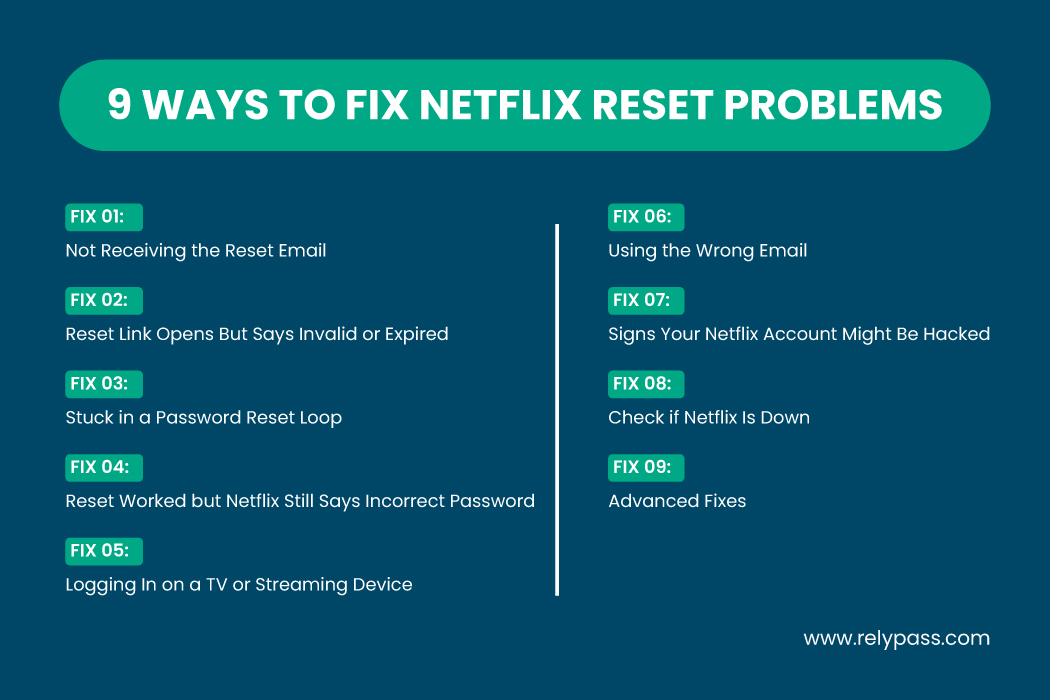
Let’s explore 9 ways to fix Netflix password reset not working problems:
Fix 1: Not Receiving the Reset Email
If the reset email does not arrive, start with these simple checks:
- Look in your spam or junk folder.
- Ensure Netflix is not blocked in your email settings.
- Confirm you are using the correct email address.
- If your account is linked to a phone number, try using that option.
- Email filters at work or school may block Netflix emails.
Sometimes the email just takes a few minutes to arrive. Try waiting ten minutes and requesting it again. Using a different device or network can also help.
Fix 2: Reset Link Opens But Says Invalid or Expired
If the reset link appears but cannot be used, it may have expired. Reset links only last a short time. Multiple requests in a short period can also cause conflicts.
Try clearing your browser cache and cookies and open the link in an incognito window. Using another device often works as well.
Fix 3: Stuck in a Password Reset Loop
A password reset loop happens when you are repeatedly redirected to the same page without making progress. This usually occurs because of cached data or app bugs on TVs, phones, or tablets.
Try signing out of all devices and logging back in. On smart TVs, you may need to manually reset the Netflix app. Sometimes, server delays are the cause, and simply waiting a few minutes resolves the loop.
Fix 4: Reset Worked But Netflix Still Says Incorrect Password
Even after a successful reset, some devices continue to display an incorrect password error. This happens when devices store old login information and don’t update automatically.
Sign out of all devices and log in again. On smart TVs, uninstall and reinstall the Netflix app if needed. Logging in first on a computer ensures the new password works before trying other devices.

Fix 5: Logging In on a TV or Streaming Device
TVs, Roku, Firestick, and PlayStation are often the main sources of login issues. These devices store old credentials that clash with new passwords.
Restart your device, sign out completely, and try logging in again. Some smart TVs have special button sequences to reset Netflix. Reinstalling the app often solves the problem. Restarting your home network may help as well.
Fix 6: Using the Wrong Email
Many users attempt a password reset using the wrong email address. Check all the emails you have and confirm which one is linked to your Netflix account. Payment receipts or previous Netflix emails can help identify the correct email.
Fix 7: Signs Your Netflix Account Might Be Hacked
If nothing works, your account may have been compromised. Look for:
- Reset emails not arriving
- Unexpected email changes
- Missing profiles
- Logins from unknown locations
If you notice these signs, reset your password immediately. Contact Netflix support if you cannot regain access. Acting quickly prevents further issues.
Fix 8: Check if Netflix Is Down
Sometimes the problem is not your password. Netflix servers can experience outages that prevent logins or password resets. Check the Netflix status page to confirm. If there is an outage, waiting for it to resolve is the only solution.
Fix 9: Advanced Fixes
If nothing else works, try these steps:
- Clear authentication tokens on your device or app.
- Remove saved Wi-Fi connections on smart TVs.
- Make sure your device’s date and time are correct.
- Use a mobile hotspot to test your connection.
- Change your password from a desktop computer instead of a phone or TV.
Now I believe you know how to fix the Netflix password reset not working problem.
Protect Your Passwords
Using a password manager can prevent many login problems. A service like RelyPass stores all your passwords securely.
Auto-fill prevents typos, and family access keeps everyone on the same page. Keeping your account secure and recovery information updated ensures fewer headaches in the future.
Device-Specific Tips
Smart TVs: Unplug for a few seconds, sign out completely, and reset the Netflix app if necessary.
Mobile Devices: Force close the Netflix app, clear the cache, restart, and log in again.
Computers: Clear browser cache and cookies, restart the browser, and check your network connection. On Windows, reset the Netflix app if needed.
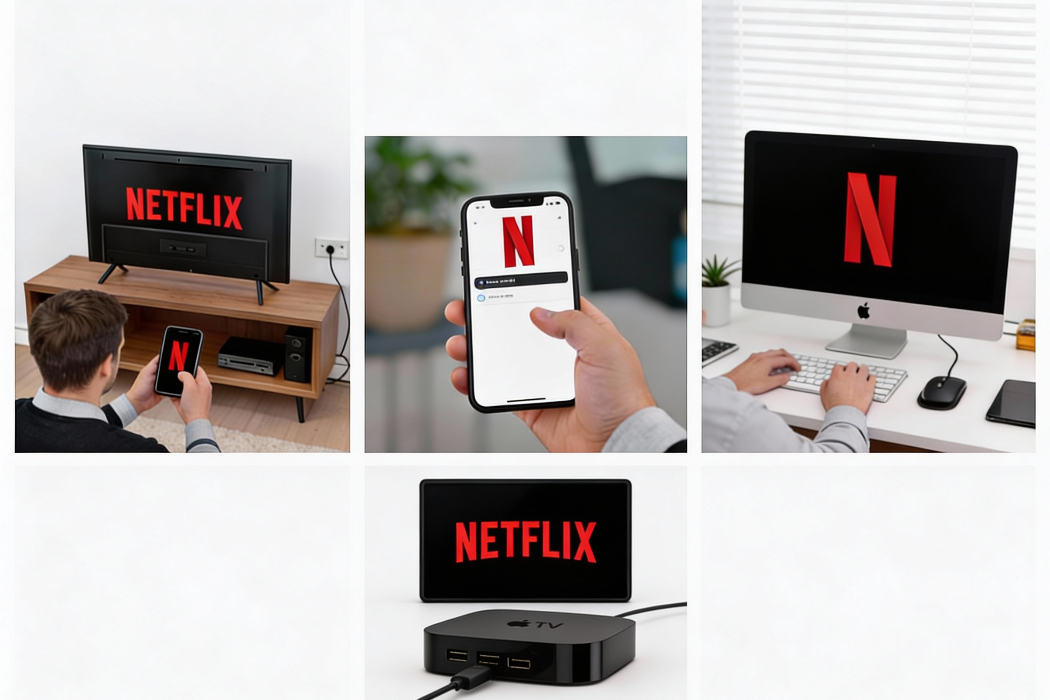
Streaming Media Players: Turn off the device, unplug for fifteen seconds, restart, and check your network.
Apple TV: Double-tap the Home button, swipe to the Netflix app, swipe up to close, then reopen and log in.
What to Do If Netflix Password Reset Still Isn’t Working
Most Netflix password reset problems come down to cached data, the wrong email, or an expired link – all fixable in under five minutes. If you’ve worked through all 9 fixes and still can’t get in, your account may have been compromised. In that case, go directly to Netflix support and report the issue before someone else changes your email.
Once you’re back in, store your Netflix password in a manager like RelyPass so this never happens again. One saved password, no reset loops.
Having the same issue on another app?