


What Does “Military Grade Encryption” Actually Mean? (Every Password App Says It)
TL;DR: “Military grade encryption” may sound impressive, but it usually refers to AES 256, a common encryption standard. The label alone does not show how well a password app protects you. What matters is where your data gets encrypted, who can access it, and what could happen if the company’s servers are hacked. Do not stop at the marketing claim. Check how the app protects your passwords from the moment you save them.
You are comparing password apps when you spot the same promise again: “military grade encryption.” It is on almost every homepage. At this point, you have to wonder: does it actually mean anything?
The phrase sounds impressive, but it is not a security standard. Any app can use it to make its protection sound tougher than it may be. That makes it a poor reason to trust one app with every password you own.
What really protects your passwords? Which encryption standards matter? What should you look for before choosing an app?
In this blog, you will learn about what “military grade encryption” means and how to judge a password app without falling for the buzzwords.
You will also learn which encryption standards, security practices, and password manager features deserve your attention before you hand over your passwords.
What Military Grade Encryption Actually Means
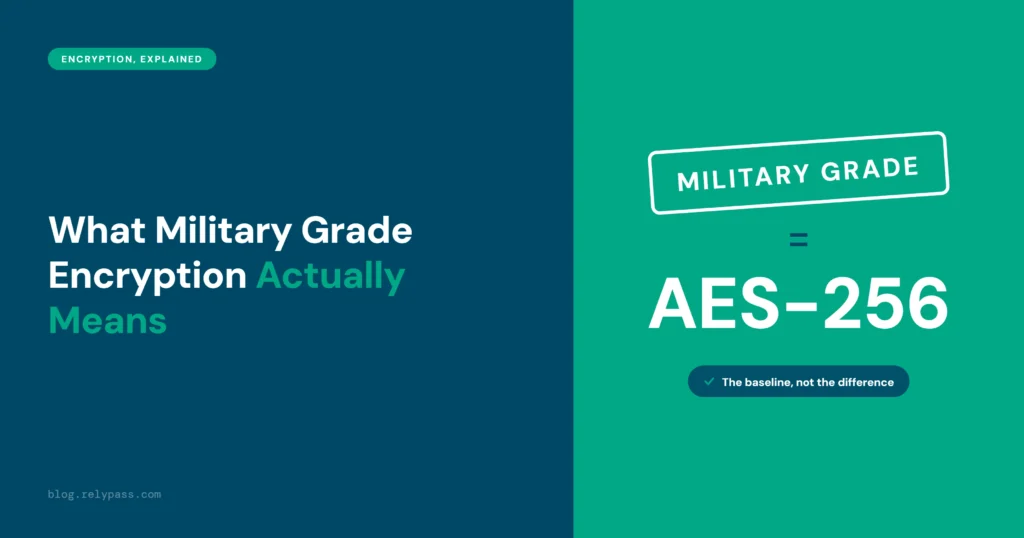
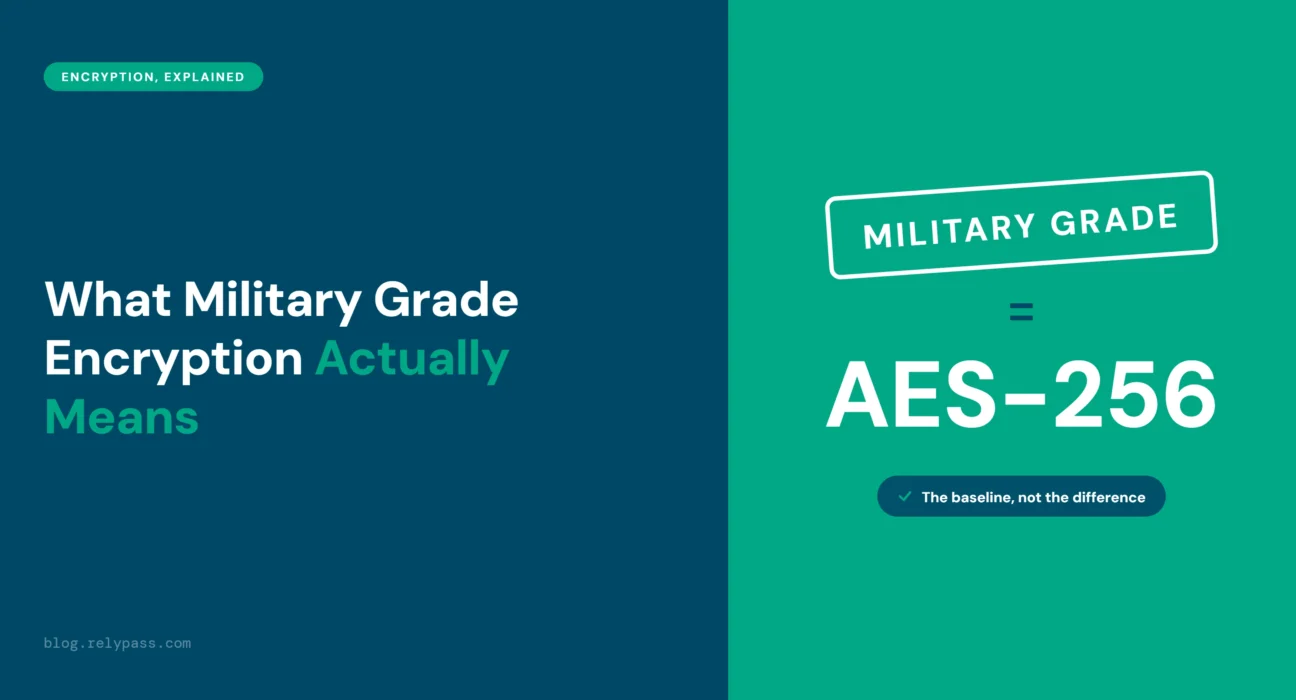
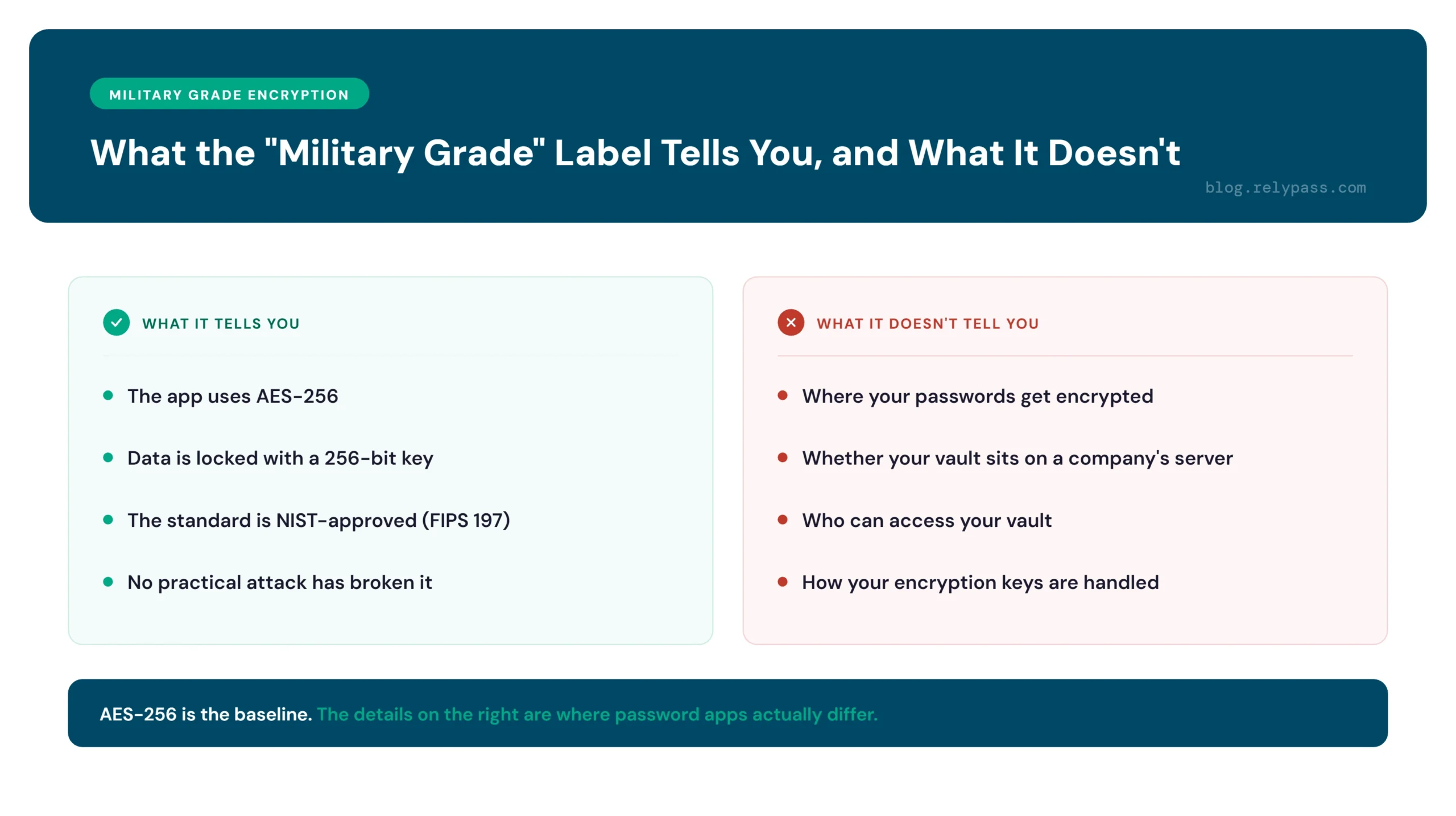
You have probably seen password managers describe their security as “military grade encryption.” It sounds like a special kind of protection, but that is not really what the phrase means. In most cases, it is simply referring to AES 256, a widely used encryption standard.
AES 256 protects information by turning readable data into scrambled text using a 256 bit key. The number of possible keys is so huge that trying to guess the right one by testing every option is not practical with the computers we have today.
There is nothing made up about AES 256. The National Institute of Standards and Technology, or NIST, approved the standard and published it as FIPS 197. It is also used by the US government for protecting sensitive information. That is where the military connection comes from.
The phrase became popular because people associate AES 256 with defense and classified information. Companies picked up that association because “military grade” is easier for most people to understand than a technical name like AES 256.
So, if a password manager uses the phrase, it usually means the product uses AES 256. That is worth knowing, but it does not tell you everything about the app’s security.
The bigger questions are what happens to your passwords before they are encrypted, where the encrypted data is stored, and who can access it. That is where one password manager can differ from another.
Why Every Password App Says It
AES 256 sounds reassuring when you see it on a password manager’s website. But it is not something only a few companies have access to. Banks, websites, messaging apps, and cloud services use it to protect sensitive information.
That makes the phrase less useful when you are comparing password managers. If several apps use AES 256, you cannot look at that one detail and decide which app is safer. It tells you the app uses a trusted form of encryption, but it does not tell you how the rest of its security works.
A simple comparison is a car’s seatbelt. You expect every modern car to have one. The same applies to AES 256. A password manager using it is doing what you would expect from a security focused product.
The useful questions come next. Where is your password data encrypted? Does the readable version ever reach the company’s servers? Who has access to your vault? Can the company recover your passwords? These details give you a much clearer picture of how the app handles your information.
So, do not ignore AES 256, but do not stop there either. Treat it as a basic requirement and look deeper into the way the password manager stores, encrypts, and handles your data.
So What Actually Tells You an App Is Secure?
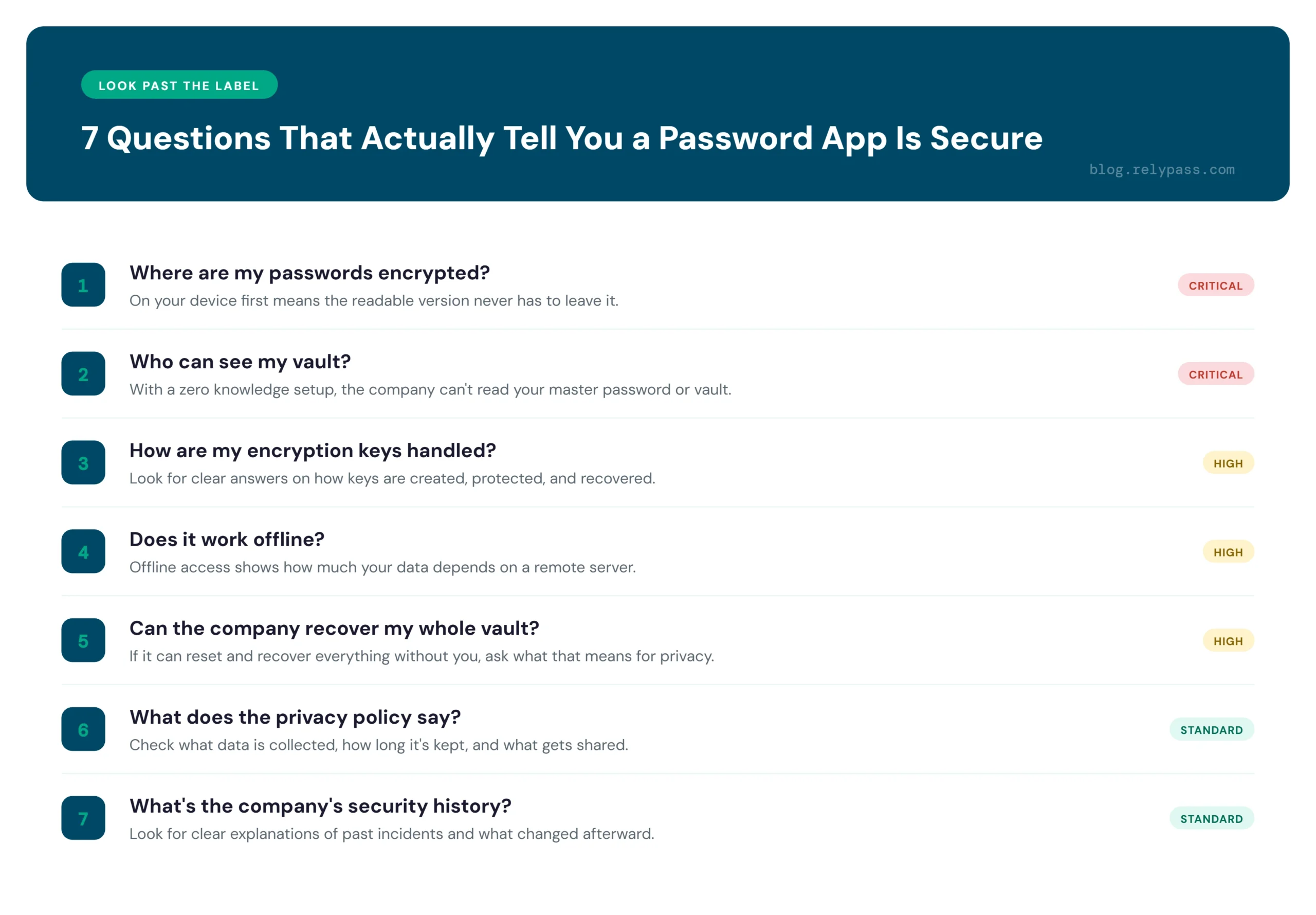
AES 256 appears in many password apps, so seeing those words alone tells you very little. The better questions are how the app protects your information, where encryption happens, and what happens to your data if something goes wrong.
For a deeper look, see the fuller checklist for what to look for in an offline password manager.
Check What Happens Before Storage
Do not only ask how your passwords are stored. Find out what happens before they reach storage. If your information is encrypted on your device first, the readable version does not need to leave your phone or computer.
Know Who Can See Your Vault
A password manager should make it clear who can access your stored information. A zero knowledge setup means the company does not have access to your master password or the readable contents of your vault.
Ask How Your Encryption Keys Are Handled
Encryption is only part of the picture. The keys used to protect your data matter too. Look for clear information about how keys are created, protected, and recovered if you lose access to your account.
Pay Attention to Offline Access
A useful password manager should still protect your vault when you have no internet connection. Offline access can also tell you something about how much of your data needs to depend on a remote server. If you are weighing both types, here is the difference between online and offline password managers.
Look at Account Recovery
Recovery can create a difficult security tradeoff. If a company can reset your account and recover your entire vault without your involvement, ask what this means for your privacy.
Read the Privacy Policy
Security and privacy are connected, but they are not the same thing. Check what information the company collects, how long it keeps that information, and what data may be shared with other services.
Check the Company’s Security History
Past incidents can tell you a lot. Look for clear explanations of what happened, what information was affected, and what the company changed afterward. A company that talks openly about mistakes gives you a better idea of how seriously it treats security.
Why RelyPass Does Not Lean on the Buzzword
AES 256 encryption sounds impressive, but the number itself is only part of the story. What matters is how your passwords are handled before they ever leave your device.
AES 256 Is the Starting Point
RelyPass uses AES 256 encryption to protect your stored passwords. It is a widely used standard, so using it alone is not something worth making a big claim about.
Encryption Happens on Your Device
The important part is where the encryption takes place. RelyPass encrypts your passwords directly on your phone or computer when you save them. Your information is protected before it leaves your device. You can read more about how RelyPass’s encryption actually works.
Your Readable Passwords Never Go to the Cloud
RelyPass does not send your readable passwords to a cloud server for storage. There is no online copy of your passwords sitting in their original form. The readable version stays on your device.
A Server Attack Has Less to Find
A server breach can expose information stored on that server. With RelyPass, your readable passwords are never sent there in the first place. An attacker cannot simply break into a server and find your saved passwords sitting there in plain form.
The Location of Your Data Matters
This is why looking only at an encryption label can miss the bigger picture. RelyPass encrypts your passwords on your device, so only encrypted data can ever leave it.
End Note
In the end, “Military grade encryption” sounds good, but it does not tell you everything about an app’s security. AES 256 is common. What matters is how your passwords are encrypted, stored, and protected.
Before choosing a password manager, look at where your passwords are kept and who can access them. These details matter more than a catchy security claim.
RelyPass encrypts your passwords on your device and does not keep readable passwords in the cloud. Try RelyPass and keep your passwords safe and private.
FAQ
What is military grade encryption?
“Military grade encryption” usually means AES 256. It is a common encryption standard used to protect sensitive data. NIST approved it under FIPS 197, and the US government also uses AES to protect sensitive information. “Military grade” is not an official security level. It is mainly a marketing term.
Is AES 256 still secure?
Yes. AES 256 is still very secure. No practical attack has broken it. Trying to guess the right key would take an extremely long time with current computers.
What is the difference between military grade encryption and standard encryption?
Usually, there is no real difference. “Military grade” usually refers to AES 256. The name matters less than how an app uses encryption to protect your passwords and data.
Is it possible to crack AES 256?
Not with current technology. Guessing an AES 256 key is not practical. Most data breaches happen because of stolen passwords, phishing, weak security, or exposed servers, not because someone broke AES 256. These are the mistakes that make one weak spot costly.
So, do not choose a password app just because it says “military grade encryption.” Check where your passwords are stored, how they are encrypted, and who can access them. Those details tell you much more about your security.