


Phone Stolen with Saved Passwords – What to Do Immediately
What should you do if your phone is stolen with saved passwords? Losing your phone can put your email, social media, banking apps, and personal information at risk. This becomes dangerous because someone could access your accounts quickly.
The best thing is to act fast. Lock or erase your phone, change important passwords, contact your bank, and remove the lost device from your accounts.
In this blog, I will explain what you should do to fix the issue ‘phone stolen with saved passwords. You will also learn the tips to keep your phone safe in the future.
So, let’s begin the discussion.
Can someone access my passwords if my phone is stolen
Yes. This can happen in several ways. A thief may see you typing your passcode before grabbing the device from your hand. Some thieves study people who unlock their phones in public places.
After the thief knows your passcode, they can open your device and reach the settings where browsing and app passwords are stored.
A phone stolen with saved passwords becomes more dangerous when
- The screen lock uses a simple passcode
- The browser stores many passwords
- The phone stores text messages that include reset links
- Cloud accounts stay logged in
- Notifications reveal one-time codes
If your phone does not erase itself after many wrong attempts, a thief may try to guess the passcode too. This is why fast action is essential.
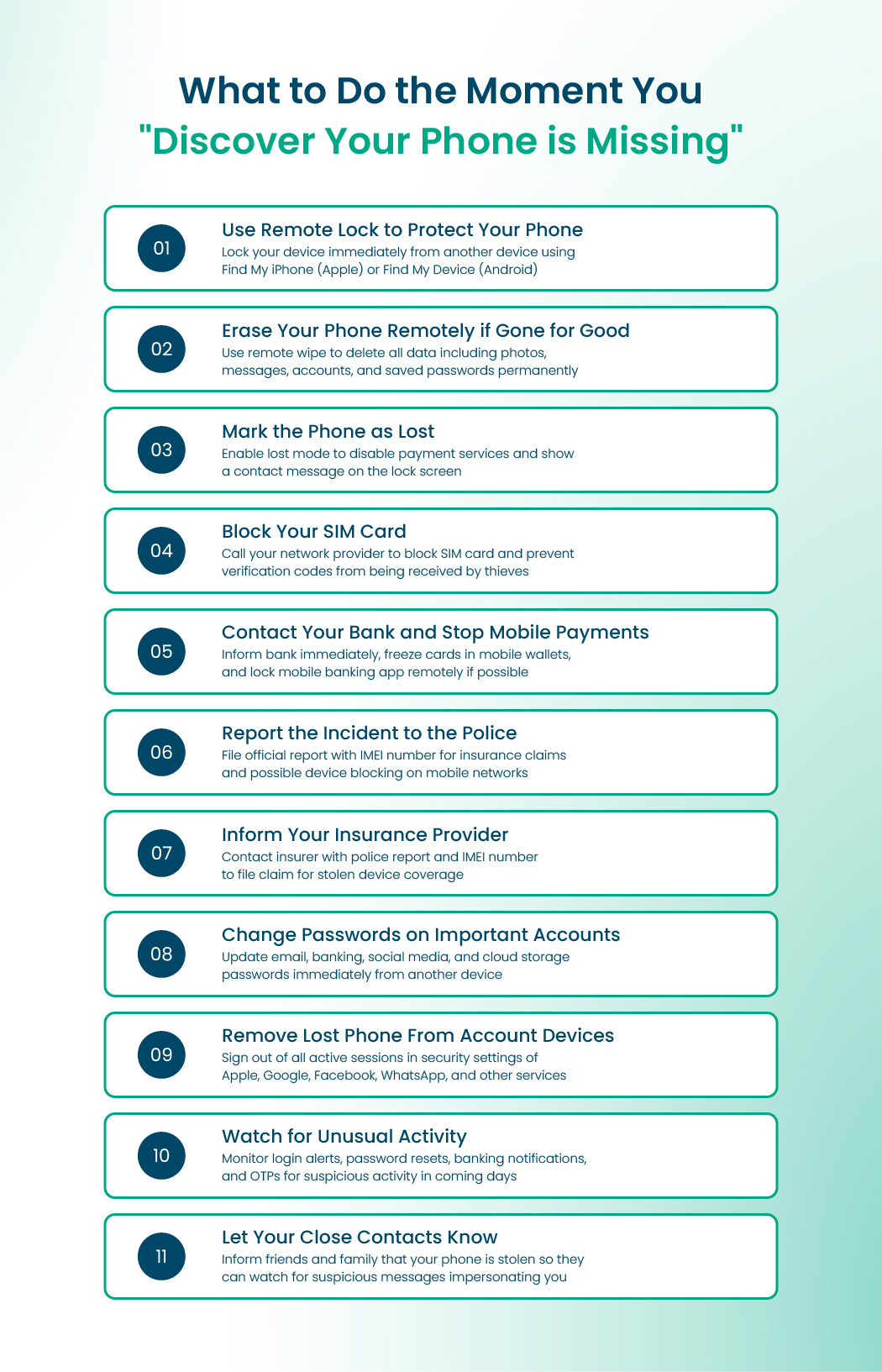
What to Do the Moment You Discover Your Phone Is Missing
Losing your phone can be dangerous. It holds your personal information, photos, passwords, and banking apps. When this happens, you must act fast. The first few minutes are very important.
Let Your Close Contacts Know
Here is what you should do right away.
Use Remote Lock to Protect Your Phone
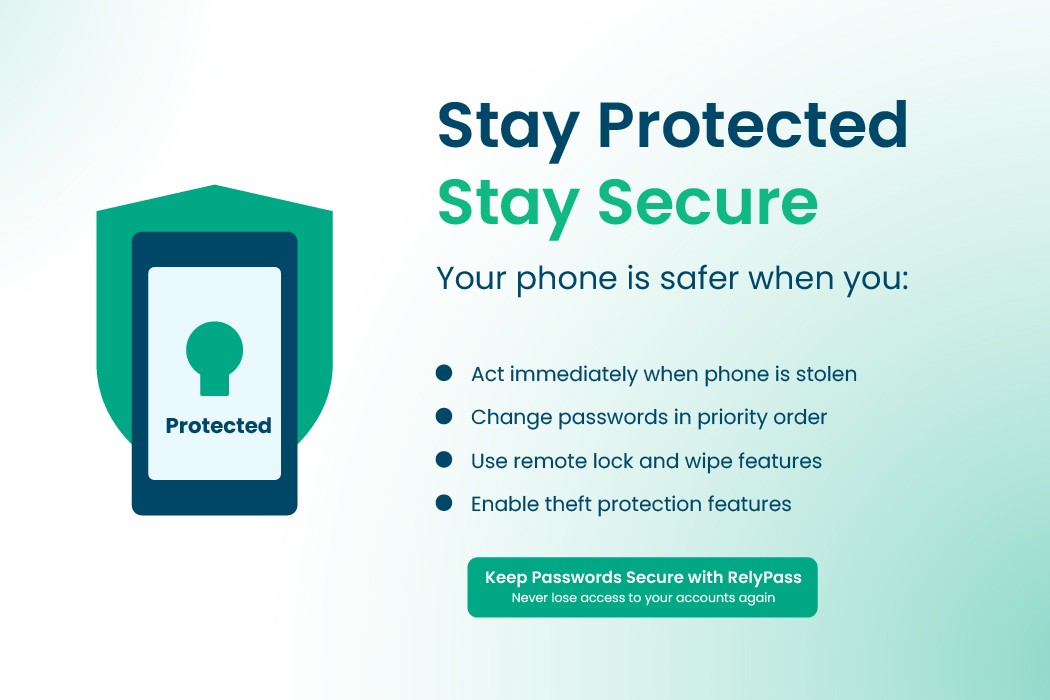
The first thing you should do is lock your phone from another device. You can use any computer or another phone to sign in to your device’s tracking service.
- Apple users should use Find My iPhone.
- Android users should use Find My Device.
After you sign in, choose the option to lock your phone. This stops anyone from opening your apps, reading your messages, or using your saved passwords. It immediately blocks new activity on your missing device.
Learn also: A Complete Guide to Reset Forgotten iCloud password
Erase Your Phone Remotely if You Think It Is Gone for Good
If you believe the phone has been stolen or there is almost no chance of getting it back, erase it remotely. This option is available in the same tracking service.
Remote erase deletes everything from your phone, including your photos, messages, accounts, passwords, and payment details. It is the safest way to protect your privacy. After the phone is erased, you may no longer be able to track it, but your personal information will remain safe.
Mark the Phone as Lost
When you mark your phone as lost, the system adds extra protection. It turns off stored payment services like Apple Pay or Google Wallet, so no one can use them.
It can also show a message on the screen with a number people can use to contact you if they find the phone. This lost mode also helps keep your device secure while you try to recover it.
Block Your SIM Card
Your SIM card can be used to receive verification codes and reset passwords. This makes it very important to block the SIM quickly.
Call your mobile network provider and ask them to block your SIM card. This stops anyone from making calls, sending messages, or receiving OTP codes.
If you were using an eSIM, request that it be disabled as well. Many providers can also prevent new charges and mark your number as at risk.
Contact Your Bank and Stop Mobile Payments
Since many people use mobile wallets and banking apps, it is important to inform your bank. Tell them your phone has been lost or stolen. They can freeze your cards inside mobile payment apps and keep an eye on suspicious activity.
Some banks can also lock your mobile banking app remotely. If you use several banks or wallet apps, contact each one to keep all your accounts safe.
Report the Incident to the Police
Reporting the theft to the authorities is useful for several reasons. It creates an official record, helps with insurance claims, and may help with the investigation. Provide the IMEI number of your phone so the police can identify it.
In some countries, the IMEI can be blocked so the phone cannot be used on any mobile network. This makes it harder for thieves to resell it.
Inform Your Insurance Provider
If your phone is covered by insurance, contact your insurer and file a claim. They may ask for a police report, IMEI number, and a short description of the incident. Reporting quickly usually makes the claim process easier and faster.
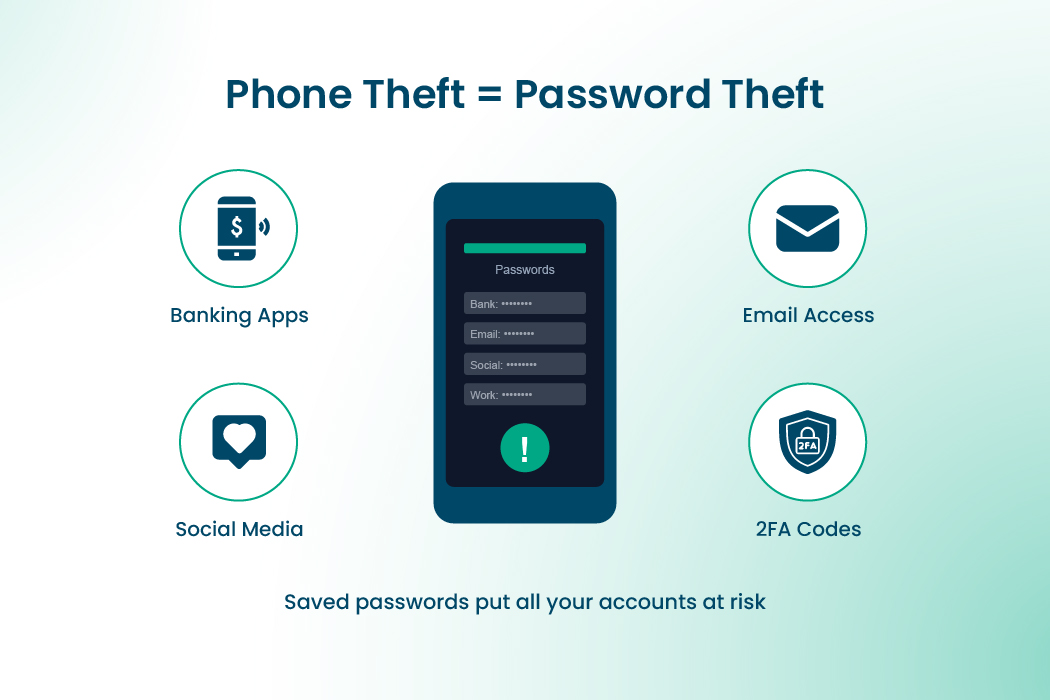
Change Your Passwords on Important Accounts
Next, start updating your passwords using another device. Begin with your email account, since it is connected to many other services.
Then update banking apps, social media, cloud storage, shopping apps, and anything that holds sensitive information. Changing your passwords helps protect your accounts, especially if they were saved on the missing phone.
Read Also: Password Reset Email Not Arriving: Major Causes and Proper Solutions
Remove the Lost Phone From Your Account Devices
Most services, such as Apple, Google, Facebook, and WhatsApp, show you a list of devices where your account is logged in. Visit the security section of your accounts and remove the missing phone from the list.
Also sign out of all active sessions. This stops the lost device from accessing your accounts even if someone gets past the lock screen.
Watch for Unusual Activity
Keep an eye on your accounts for the next few days. Look out for login alerts you did not request, password reset messages, banking notifications, or OTPs. If anything seems strange, secure the account immediately and inform the service provider.
Let Your Close Contacts Know
If your phone was truly stolen, someone may try to impersonate you using your messaging apps. Tell your close friends, family, or coworkers that your phone is missing so they can be careful if they receive suspicious messages from your number.
Should I Change All Passwords After Phone Is Stolen
Yes. If your phone was stolen with saved passwords, you should change your passwords right away. Doing this quickly can stop anyone from using your accounts. Some accounts can unlock others, so it is important to start with the most important ones first.
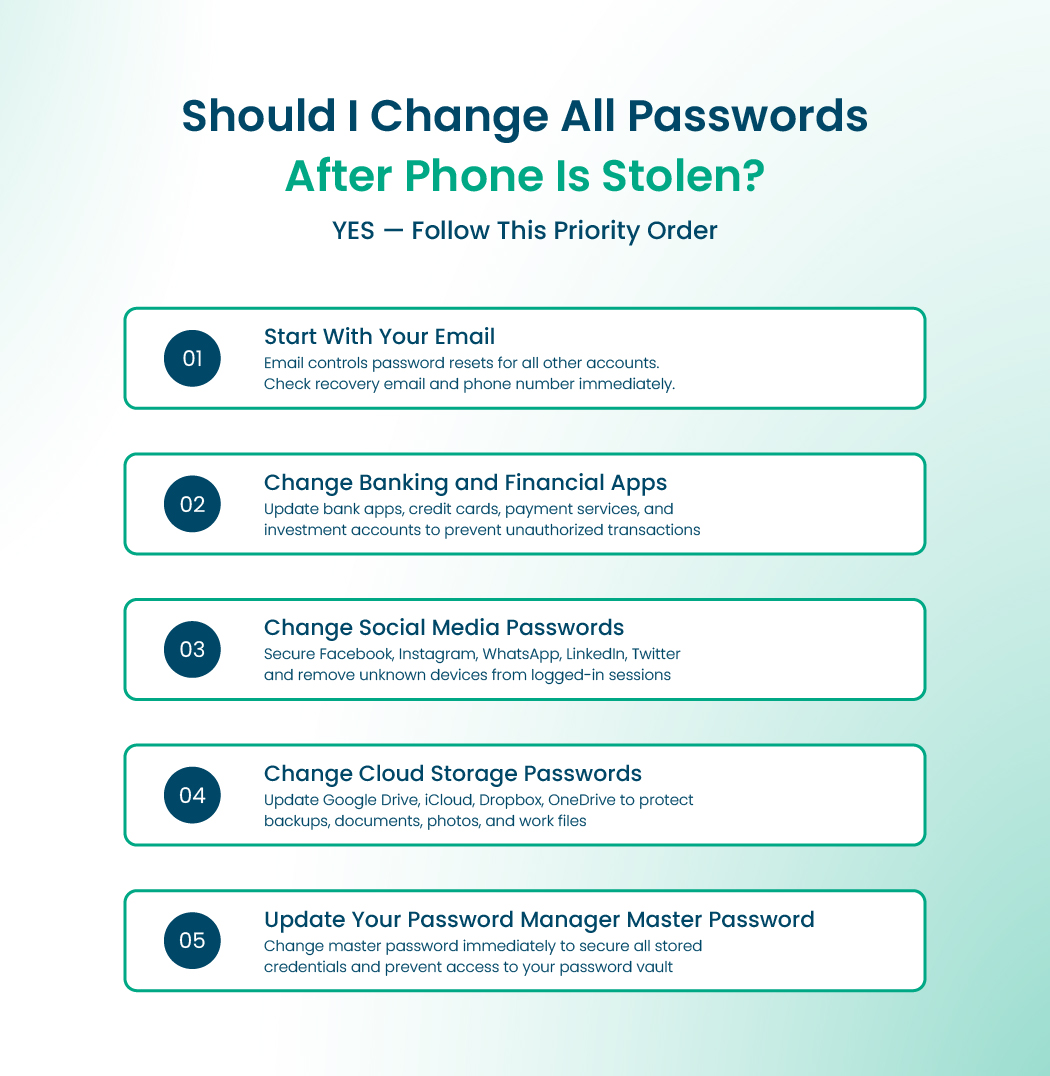
Let’s learn what you should do:
Start With Your Email
Your email is the most important account to secure. Many apps use it to reset passwords. If someone gets access to your email, they could take over your other accounts.
Change your email password immediately. Also, check your recovery email and phone number to make sure no one changed them.
Change Social Media Passwords
Social media accounts have your private chats, photos, and contacts. They may also have business pages or saved payment info. Changing your social media passwords stops anyone from logging in from another device.
Turn on extra security, like two-step codes from an authenticator app. Look at the devices logged in and remove any you do not recognize.
Change Cloud Storage Passwords
Cloud accounts store backups, documents, and photos. If your phone was stolen, a thief might try to access these files. Reset your cloud storage passwords and remove any unknown devices. This keeps your personal and work files safe.
Update Shopping Accounts
Shopping sites often save your order history, addresses, and sometimes card information. Change these passwords too. Check your recent orders for anything unusual and enable notifications for new purchases if the site allows it.
Update Your Password Manager
If you use a password manager, change the master password right away. The master password protects all other accounts stored in the manager.
Ensure your new password is strong and different from your old ones. This step is very important when your phone was stolen with saved passwords.
Try Remote Wipe Stolen iPhone or Android device
A remote wipe removes everything from the device. This is one of the strongest steps when you have a phone stolen with saved passwords.
Remote wipe for iPhone
- Visit the Find My website.
- Sign in with your Apple ID.
- Select the stolen device.
- Choose the option to erase it.
- After the wipe starts, the thief cannot stop it without the correct login details.
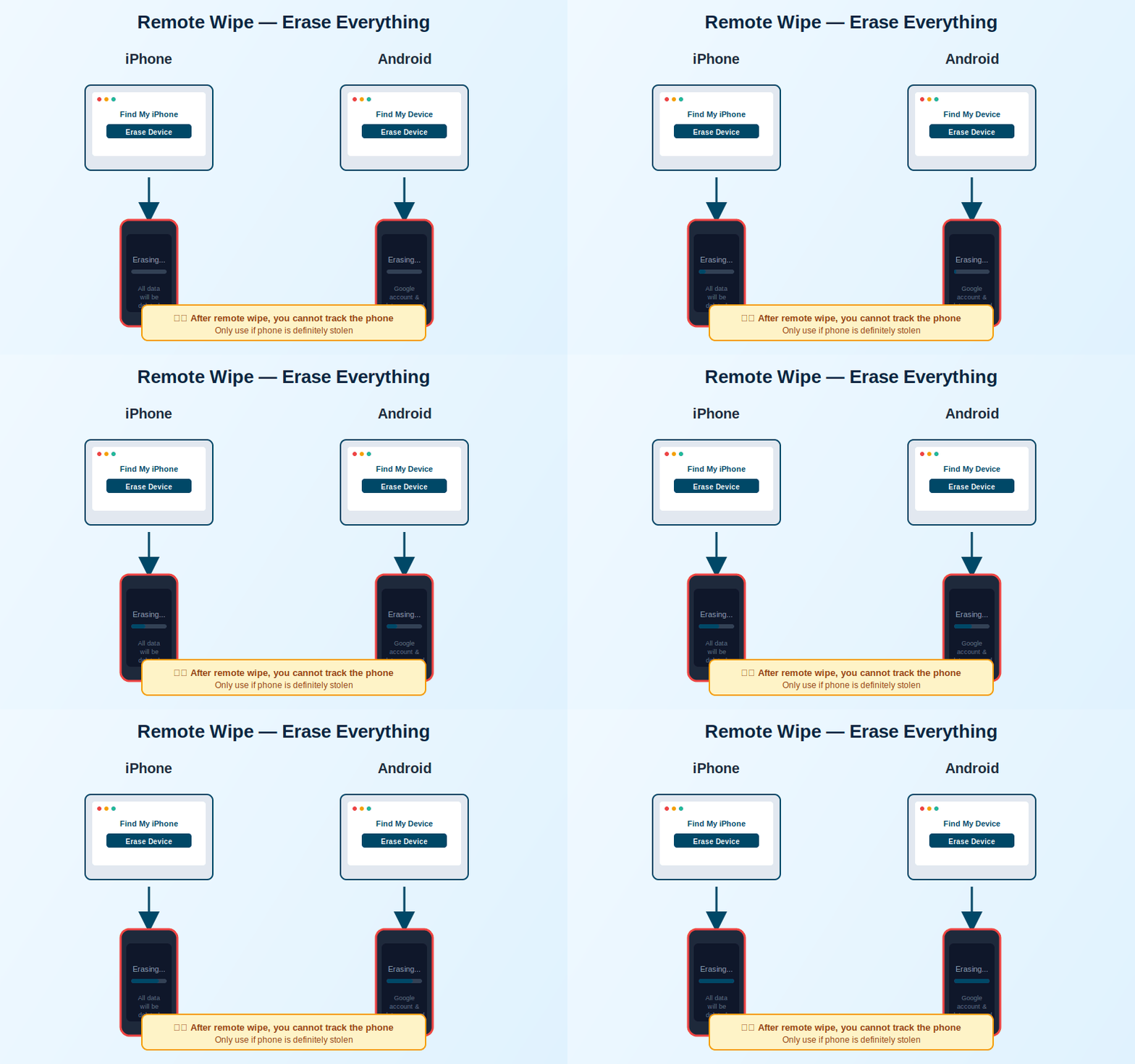
Remote wipe for Android
- Go to Find My Device.
- Sign in with your Google account
- Select your missing phone.
- Choose the erase option.
- This clears your Google account data, passwords, and stored app information.
What Happens to Banking Apps if a Phone Is Stolen?
If your phone gets stolen, your banking apps are usually still safe because they require fingerprints, face recognition, or a separate app PIN. But if someone knows your phone passcode or your passwords are saved, there is still a risk.
What could happen
- Someone might try to reset your banking app password.
- They could try to move your SIM to another phone to get your verification codes.
- They might read SMS codes used for two-factor authentication.
- They could try to use any saved payment cards.
What to do right away
- Call your bank and report your phone stolen.
- Freeze mobile transactions so no money can be sent from your account.
- Remove your stolen device from your banking app’s registered devices.
- Ask the bank to watch your account for unusual activity.
Extra safety tips
- Change passwords for your email, shopping apps, and any accounts linked to your phone.
- Turn on two-factor authentication using an app instead of SMS if possible.
- If you can, remotely lock or erase your phone using Find My Device (Android) or Find My iPhone (Apple).
How to Secure Accounts after a Phone is Stolen with Saved Passwords
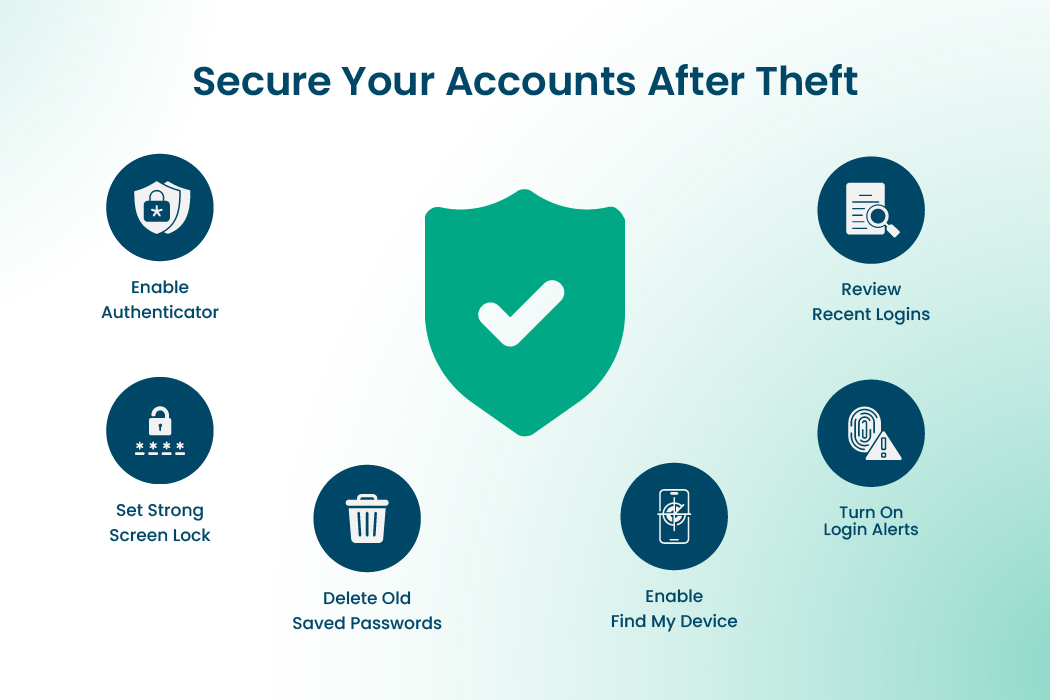
Let’s see how you can secure accounts after a phone is stolen with saved passwords.
- Use an authentication app – Apps like Google Authenticator make extra codes for your accounts.
- Check saved passwords – Delete old ones and change important passwords.
- Look at recent logins – Sign out of devices you don’t recognize.
- Turn on alerts – Get notifications for new logins or password changes.
- Set a strong screen lock – Use a long PIN, password, or fingerprint/face ID.
- Limit lock screen info – Hide messages, quick settings, and voice assistant access.
- Back up and track your phone – Keep backups and enable Find My iPhone/Find My Device.
Read more: How to Keep Passwords Safe (Ultimate Guide & Easy Steps)
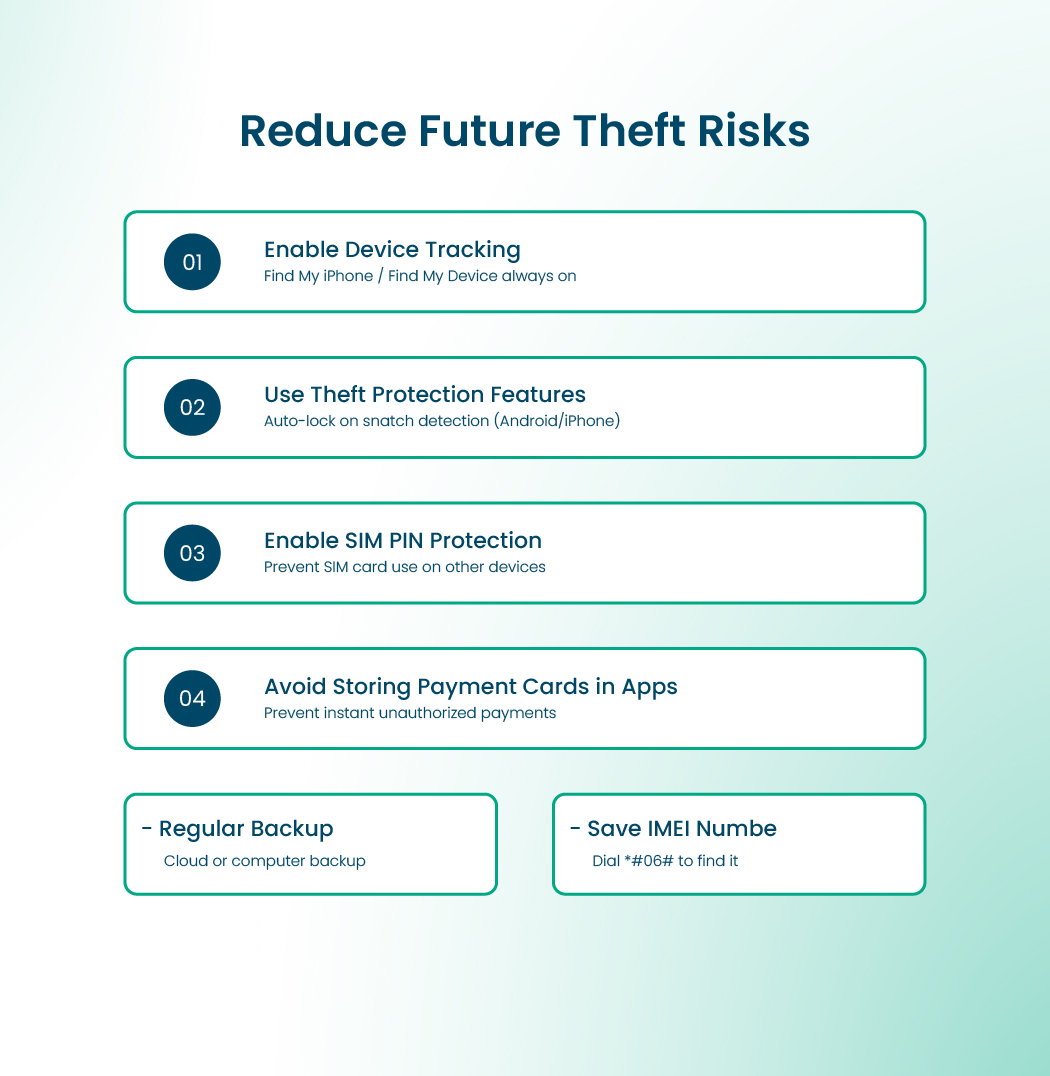
Add Protection to Reduce Future Risks
What you can do to add protection to reduce future risks is:
- Enable device tracking – Always keep Find My iPhone (Apple) or Find My Device (Android) turned on so you can locate, lock, or erase your phone if it’s lost or stolen.
- Use Stolen Device Protection (iPhone) – Blocks changes to Apple ID or security settings unless confirmed with Face ID or Touch ID.
- Use Theft Protection (Android) – New Android features can lock the phone automatically if it senses sudden movement or a snatch.
- Enable a SIM PIN – Protects your phone number from being used on another device.
- Avoid storing debit/credit cards in apps – if someone gets access to your device, stored cards can be used for instant payments.
- Back up your phone regularly – Use cloud storage or your computer to save contacts, photos, and important data so you can recover them quickly.
Keep your IMEI number safe – Dial *#06# to find it and save it somewhere secure. This can help authorities block the device if it’s stolen.
End Note
In the end, if your phone with saved passwords is lost, act fast. It helps protect your accounts and personal information.
Lock or erase your device if possible, set a SIM PIN, contact your bank, update your passwords, and set up your new phone with strong security features. Doing these steps helps you stay in control and keeps your data safe.If you are looking for a safe password manager to secure your passwords, try RelyPass today to keep everything protected.